Summer Selling Season 2026: The AI Staging Checklist Every Agent Needs
Summer 2026 is the most competitive selling season in three years. Here's the exact checklist agents are using to get listings portal-ready faster — with AI tools that handle the production work.
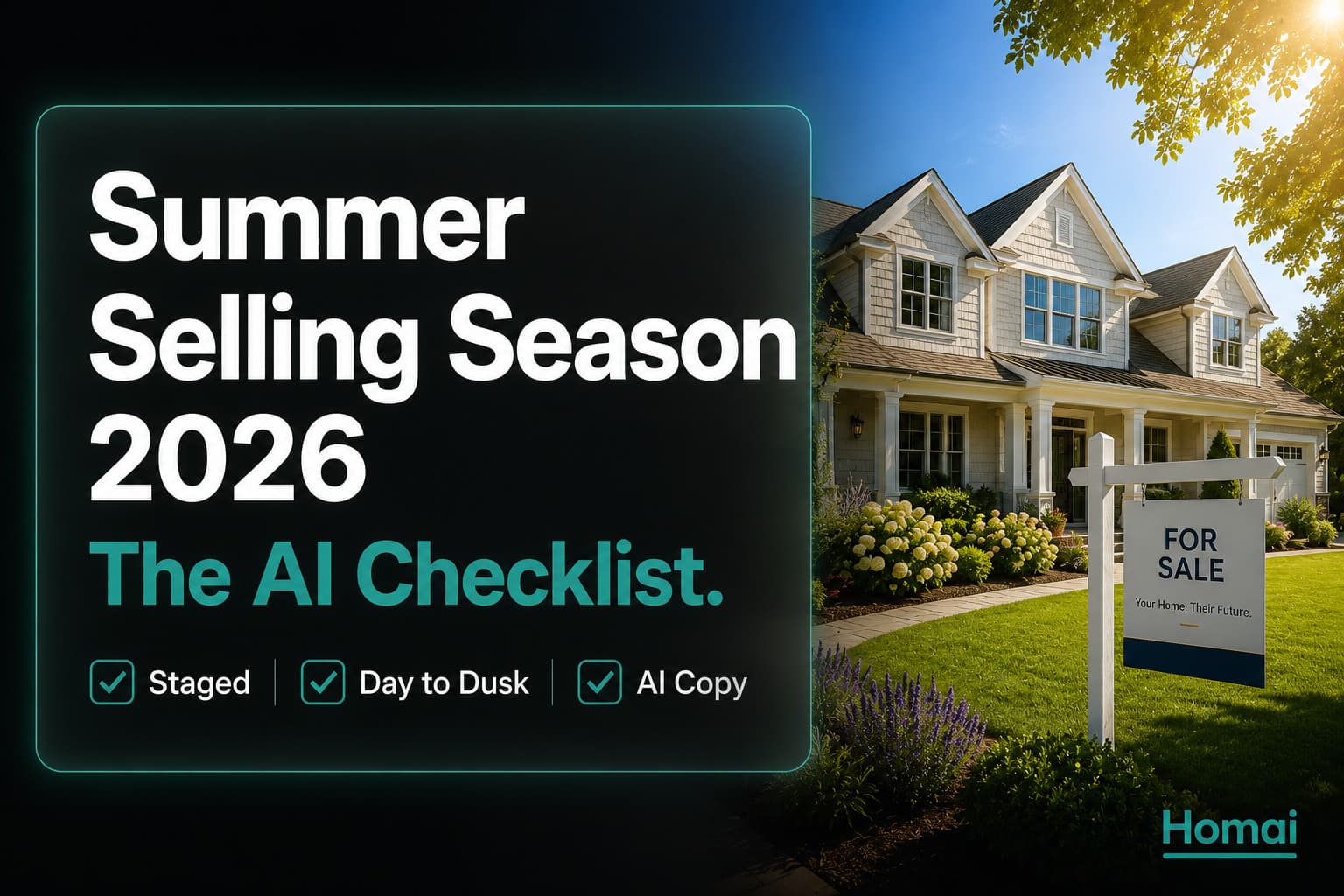
The summer selling season in the Northern Hemisphere (June–August) and the spring selling season in Australia and New Zealand (September–November) represent the highest-volume periods for property transactions globally. More properties list, more buyers actively search, and more transactions complete in these windows than at any other point in the year.
That creates opportunity — and competition. Every other agent is trying to list more properties in the same window. The agents who come out ahead are the ones who can move from signed authority to portal-live faster, at higher quality, with less friction.
Here's the complete AI-powered checklist for summer selling season listing production.
The summer selling season is the most volume-compressed period in real estate — more listings launching, more buyers searching, more open homes competing for the same Saturday morning inspection slots. The agents who consistently win listings and close sales during this window aren't necessarily the most experienced. They're the most organised.
This checklist is the complete production workflow for getting a listing from signed authority to portal-live at the quality level that outperforms every competing listing in the same suburb. Use it for every listing this summer.
Pre-Listing: 48 Hours Before Photography
- Send vendor preparation checklist (all personal items removed, surfaces cleared, all lights tested)
- Confirm outdoor areas are maintained (lawn mowed, garden tidy, driveway clear)
- Take a drive-past photo of the exterior (for pre-appraisal AI staging if needed)
- Pre-generate sample staging for the listing appraisal using Homai
- Confirm the photography appointment and brief on corner/chest-height shooting angles
Photography Day
- Walk through every room before the photographer starts — check for personal items missed
- Confirm all lights are on in every room before each shot
- Photograph exterior in both standard and at golden hour if timing allows
- Get at least 2 angles of living room, kitchen, and master bedroom
- Confirm outdoor entertaining area is photographed from the best angle
Post-Photography: AI Production (45–90 minutes)
- Upload all interior photos to Homai Batch Staging
- Select consistent staging style across all vacant rooms
- Upload exterior to Homai Day to Dusk
- Run Homai Sky Cleanup if exterior was shot on overcast day
- Run Homai Enhance Photo on all interior images
- Run Homai Erase Objects on any photos with items that should have been removed
- Generate listing content: portal description, headline, social posts (Homai Content tools)
- Generate Video Flythrough from staged living room
- Generate Transformation Video (before + after) for social media
Portal Upload
- Cover image: Day to Dusk exterior (or best staged living room if no significant exterior)
- Gallery sequence: cover → living room → kitchen → master bedroom → outdoor → additional rooms → bathrooms → street view
- All staged images labelled "Virtually Staged" in captions
- Portal description from AI content tool (personalised with local market context)
- Video Flythrough uploaded to portal video tab
- Minimum 15–20 photos uploaded
Social Media Launch
- Transformation Reel (before/after) scheduled for launch day
- Listing announcement post scheduled for launch morning
- LinkedIn market context post about the listing
- Day to Dusk exterior reveal post scheduled for Day 3
Open Home Preparation
- Brief printed and laminated (generated from Homai Brochure & Flyer tool)
- Buyer email campaign scheduled for morning of open home (generated from Homai Buyer Email tool)
- Social story reminder post scheduled for morning of open home
Frequently Asked Questions
How long does the full AI listing production workflow take?
With Homai's batch processing, the full AI production workflow for a 5-room listing — staging, Day to Dusk, photo enhancement, listing copy, and video — takes approximately 20–30 minutes of active work. The majority of that time is reviewing and downloading outputs, not waiting.
Do I need to run this checklist for every listing?
Yes, for any listing with vacant rooms or exterior photos. The 10 minutes spent running through this checklist before a photo shoot prevents hours of reshooting and editing after. The post-shoot AI production section (15–20 minutes) applies to every listing regardless.
Which item on this checklist has the highest ROI?
Day to Dusk conversion on the exterior shot. A single AI-converted twilight exterior photo generates 66% more portal views than the same shot in daylight, costs under $2, and takes 90 seconds. There is no higher-ROI single intervention in listing production.
Can I use this checklist for Airbnb listings too?
Yes — with minor adjustments. For short-term rental listings, the styling emphasis shifts from buyer-neutral to lifestyle-aspirational (more accessories, more warmth), and the outdoor entertaining area moves higher in the gallery sequence. See the full Airbnb staging guide for specific Airbnb adaptations.
Related: Does Home Staging Really Work? The Data Every Agent Needs | House Staging Service: The Complete Guide to AI Virtual Staging in 2026
Written by Homai
AI staging and interior design for real estate agents