AI Erase Objects
Remove any unwanted object, stain, or distraction from listing photos with AI inpainting — brush over it and the AI fills seamlessly in seconds. No Photoshop, no retouching service.
Every photo has something that shouldn't be there — erase bins, cables, stains, and clutter from any listing photo instantly with context-aware AI fill.
Let's configure your erase objects
Upload a listing photo with objects to remove
JPG, PNG or WEBP · Brush over what you want removed after upload
Plans from $49/month · Cancel anytime
Related tools you might like:
or explore our 30+ other tools to get the exact result you want
Explore our toolsRemove Any Object from a Listing Photo in 4 Steps
Upload your listing photo
Any interior or exterior listing photo. JPG, PNG, or WEBP. The AI handles both room shots and exterior views.
💡 Best results when the object to remove is against a uniform background — wall, floor, sky, or grass. Complex overlapping objects may need a second pass.
Brush over what you want removed
Paint a mask over the object or area to erase. You can be rough — the AI understands context and fills naturally regardless of mask precision.
AI fills the area seamlessly
The AI analyses the surrounding content and reconstructs what should be there — matching texture, colour, and lighting for an invisible edit.
Download your clean photo
A listing-ready photo with the object completely removed. Download at full resolution and publish immediately.
What Every Listing Photo
Has That Shouldn't Be There
Even professional real estate photography regularly captures objects that shouldn't appear in a listing: a garden hose left on the lawn, a child's toy in the living room, a power board behind the TV, a photographer's reflection in a mirror, a stain on the carpet that was going to be cleaned — and wasn't. These are details that buyers notice, that distract from the property, and that previously required either reshooting or Photoshop retouching to fix. Homai's AI Erase Objects tool removes any of them in seconds.
How AI Inpainting Works —
Seamless Fill, Not a Blur
Unlike older object removal tools that blur or clone-stamp the removed area, Homai's AI inpainting analyses the full context of the surrounding image — the wall colour, floor texture, sky gradient, or lawn pattern — and generates a photorealistic reconstruction of what should be in that space. The result isn't a smeared patch or repeated texture — it's an area that looks like the object was never there.
Erase Anything That Doesn't
Belong in the Listing
From exterior clutter to interior distractions — see what AI inpainting removes seamlessly.
Exterior Clutter
Cleared in Seconds
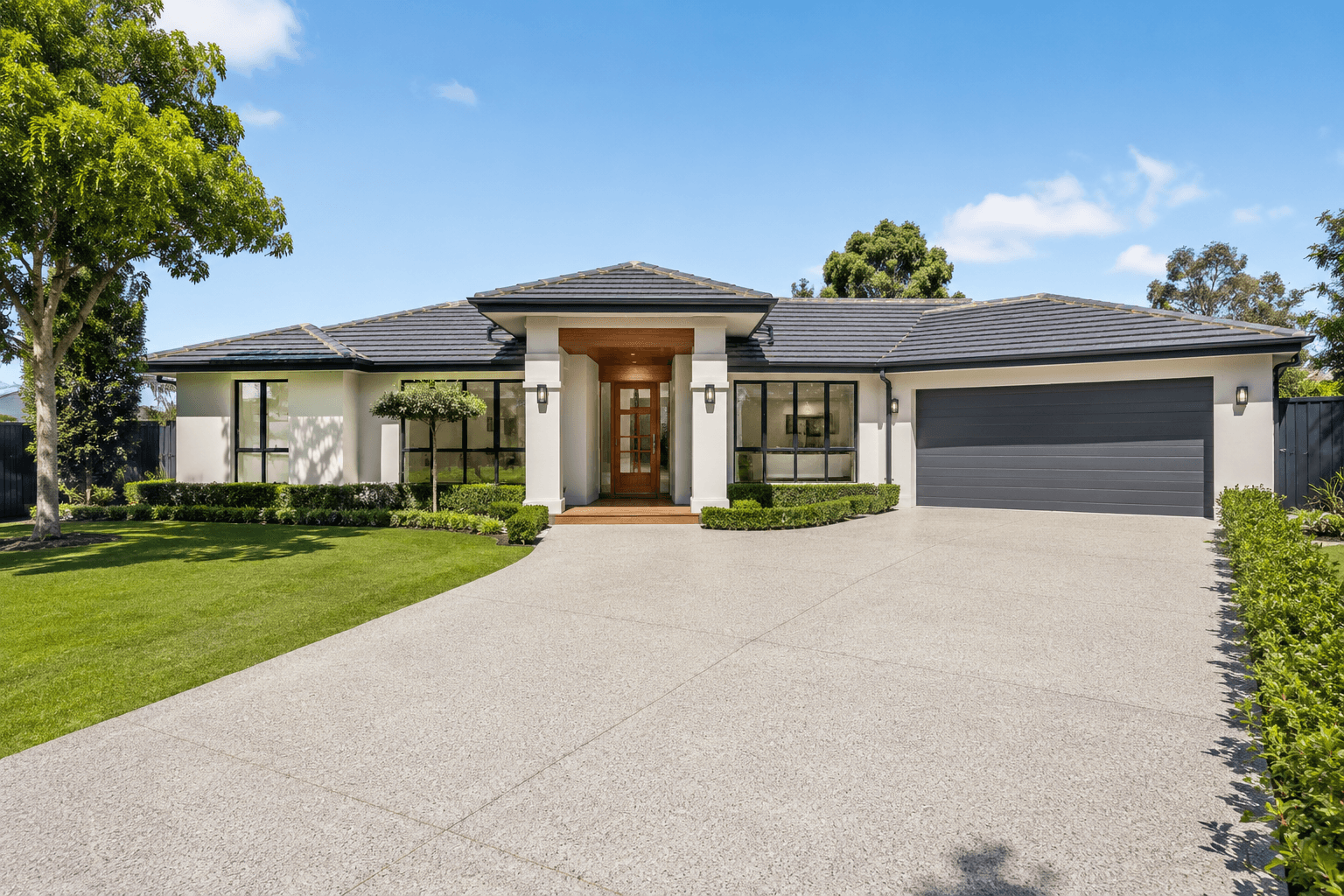
Bins at the kerb, garden hoses on the lawn, kids' bikes in the driveway, parked cars blocking the facade — these are the most common objects that appear in exterior listing shots and the easiest to miss on the day of the shoot. Homai removes them cleanly, reconstructing the driveway, lawn, or pavement behind each object for a clean, uncluttered front elevation shot.
- Remove bins, hoses, vehicles, and outdoor equipment from driveways and lawns
- Reconstruction matches grass, paving, or gravel texture naturally
- Works on complex exterior backgrounds including fences, gardens, and paths
Interior Distractions
Invisible After Removal
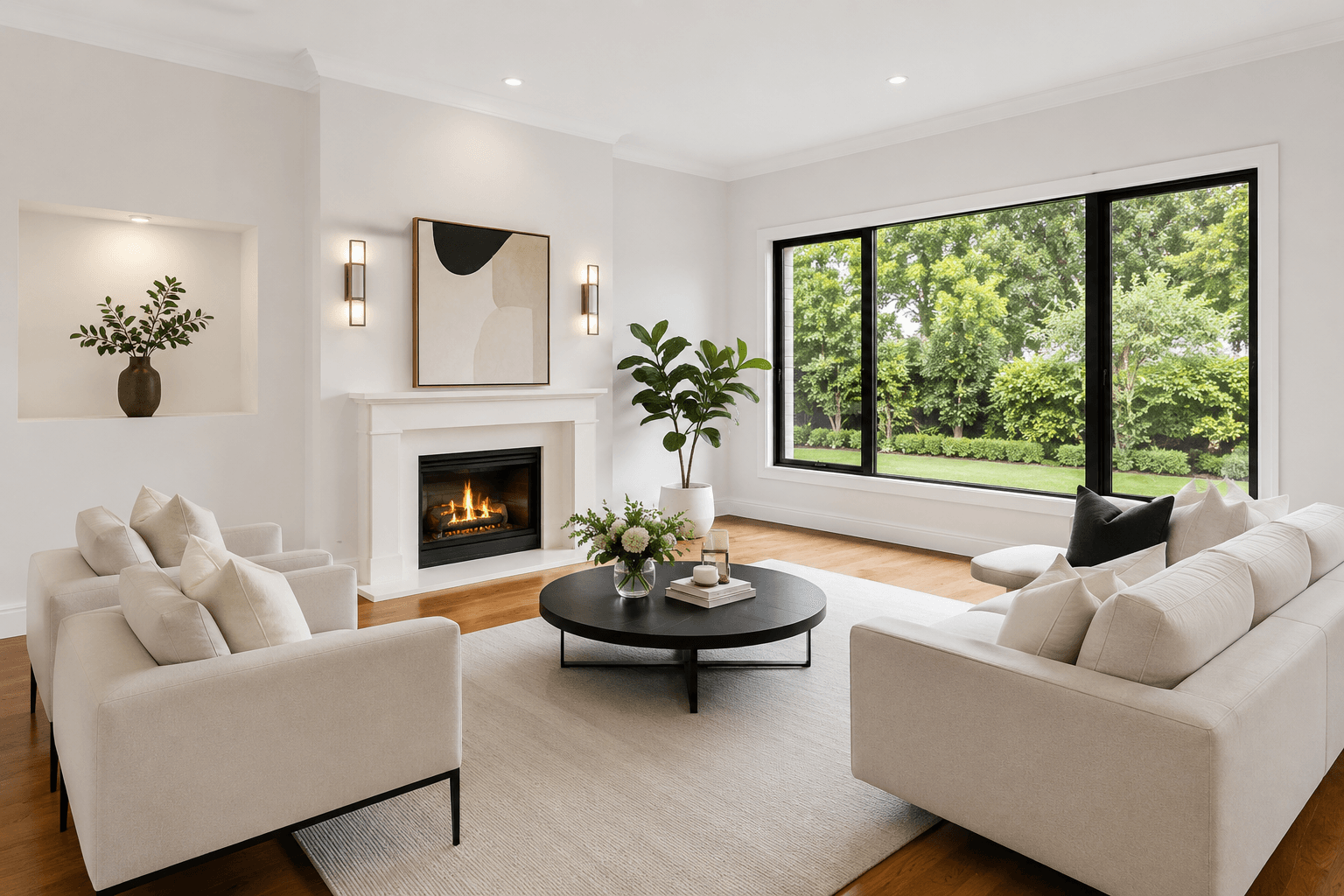
Power boards, cables, personal photos, toys, pet items, visible cords — interiors are full of objects that distract buyers from the room's proportions and features. The AI reconstructs the floor, wall, or surface behind any removed interior object using the surrounding content, leaving no visible trace of the edit and allowing the room to speak for itself.
- Remove cables, power boards, and wiring from walls and floors
- Erase personal items, framed photos, and décor that dates or clutters the space
- Seamless fill across timber floors, carpet, tiles, and painted walls
AI Photo Cleanup for Every Listing
Bins in the driveway, cables on the wall, clutter on the bench — explore the full Homai toolkit to make every listing photo look exactly as it should.
Frequently Asked
Questions
The tool works on any object that can be painted over with a mask — bins, cars, garden equipment, power boards, cables, personal items, furniture, stains, marks, light fittings, reflections, and more. If you can brush over it, the AI can remove it.
The AI uses context-aware inpainting — analysing the surrounding textures, colours, and lighting to reconstruct what should be in the removed area. On most surfaces (walls, floors, lawns, sky), the result is seamless and indistinguishable from an unedited photo.
The AI handles complex backgrounds including patterned tiles, timber floors, stone paths, grass, and painted walls — using surrounding context to match the pattern and texture. Very intricate patterns close to the masked area may occasionally require a second pass for perfect results.
Yes — you can brush over as many objects as you want in a single mask before submitting. The AI processes the entire mask in one pass. For very large or complex removals, submitting separate passes for different objects sometimes produces cleaner results.
Erase Objects is for selective removal — you choose exactly what to remove by brushing over it. The Remove Furniture tool removes all furniture from a room at once, then restages it. Use Erase Objects when you want to keep most of the room contents and only remove specific items.
Yes — interior and exterior photos both work. Exterior removals like bins, cars, hoses, and outdoor equipment are among the most common use cases and produce excellent results against sky, lawn, pavement, and driveway backgrounds.
Explore all Homai AI tools
Every tool works on your existing listing photos — no new photography required.
Four simple steps to stage, redesign,
or transform any property
Upload any property photo and get a professional staging, redesign, or marketing result in under 60 seconds.
Upload your photo
Any room, exterior, floor plan, or sketch — JPG, PNG, or WEBP. Works with existing listing photography or smartphone shots.
- Works on rooms, exteriors, floor plans, and design sketches
- No special equipment — phone camera quality is fine
💡 For best results: well-lit spaces with a straight-on camera angle. Avoid heavy shadows or fish-eye lenses.

Choose your style or settings
Select your design style, tone, or output preferences. Each tool has its own options — staging style, colour, dusk intensity, or copy tone.
- 37+ staging and design styles available across tools
- Settings are tailored to each tool's specific output type

AI generates your result
The AI processes your input and delivers a high-resolution result in under 60 seconds. No manual editing or design experience required.
- Results in under 60 seconds — faster than any manual process
- High-resolution output — no editing or touch-up required

Download and use immediately
Your result is ready to download at full resolution. Publish directly to property portals, social media, client presentations, or print collateral.
- Full-resolution download — portal and print ready
- Use across listings, social media, brochures, and client presentations
