AI Video Flythrough
Generate a smooth, cinematic flythrough video from any staged property photo — in minutes. No camera crew, no editing software, no videography budget required.
Video listings get 403% more enquiries — generate professional property video content from any still photo without a videographer or editing suite.
Let's configure your video flythrough
Upload a staged room or exterior photo
JPG, PNG or WEBP · Use a Homai staging result or any quality property photo
Plans from $49/month · Cancel anytime
Related tools you might like:
or explore our 30+ other tools to get the exact result you want
Explore our toolsGenerate a Video from Any Photo in 4 Steps
Upload a property photo
Use a Homai virtual staging result or any high-quality interior or exterior property photo. JPG, PNG, or WEBP.
💡 Higher-resolution photos with clear depth and spatial detail produce the most cinematic flythrough results. Flat or low-contrast photos produce subtler movement.
Choose a camera movement
Select forward dolly, pan, slow zoom, or cinematic push — the movement style that best matches the room and your marketing intent.
AI generates the flythrough
A smooth, cinematic 5-second camera movement is applied to the photo — producing a fluid video that brings the still image to life.
Download and post
Use on listing portals, Instagram Reels, TikTok, Facebook, and any video-supporting platform. Ready for immediate upload.
Video Is the Highest-Engagement
Format in Listing Marketing — and Most Agents Don't Have It
Every major portal now supports video listings, and the data is consistent: video listings receive dramatically more click-throughs, saves, and direct enquiries than photo-only listings. Yet most listings don't include video — because producing professional property video traditionally requires a videographer, editing time, and a budget that agents don't allocate for every listing. AI Video Flythrough removes all three barriers. Generate professional listing video from any existing property photo in minutes.
Social Media Video Content
for Every Listing, Every Week
Instagram Reels and TikTok consistently outperform static image posts for real estate agent accounts — video is the format that reaches new audiences through the algorithm. But producing video content for every listing requires time and skill that most agents don't have. AI Video Flythrough turns any listing photo into a shareable Reel or TikTok-ready video in minutes — enabling agents to post video content for every listing without any production overhead.
Cinematic Property Video
From a Single Still Photo
See how AI generates smooth cinematic flythrough videos from staged property photos — ready for portals and social media.
Interior Flythroughs for
Listing Portals and Social Media
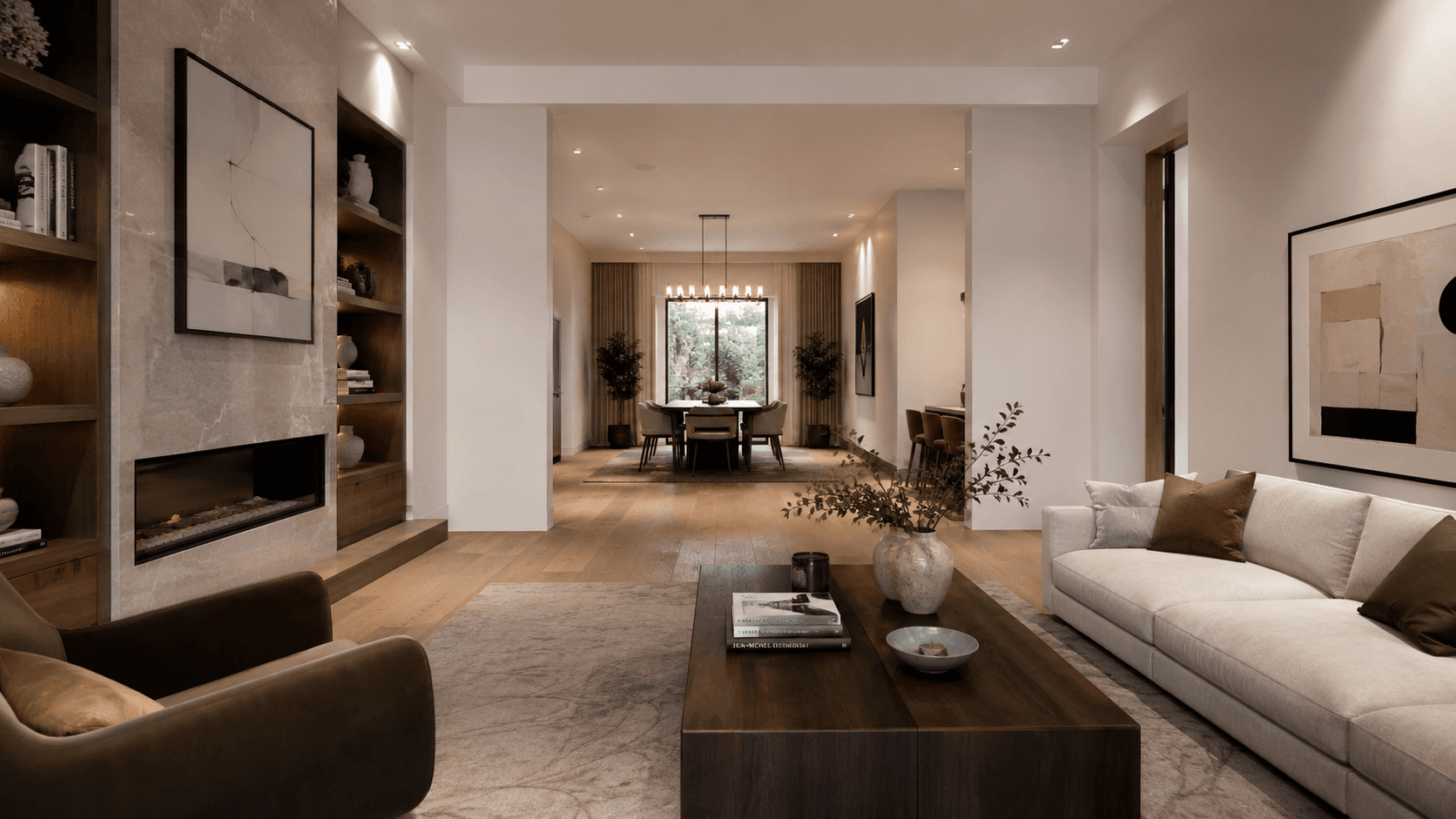
A staged living room or master bedroom photo becomes a cinematic video — the camera glides forward into the space, revealing depth, furniture detail, and spatial quality in a way that a still photo can't. Interior flythroughs are particularly effective for showcase rooms: main living areas, master bedrooms, and kitchen spaces where spatial quality is a key buyer driver.
- Living rooms and open-plan spaces — forward dolly reveals spatial depth
- Master bedrooms — slow zoom highlights quality of finish and staging
- Kitchen spaces — pan movement shows the full room extent
Exterior Flythroughs for
Kerb Appeal on Social Media
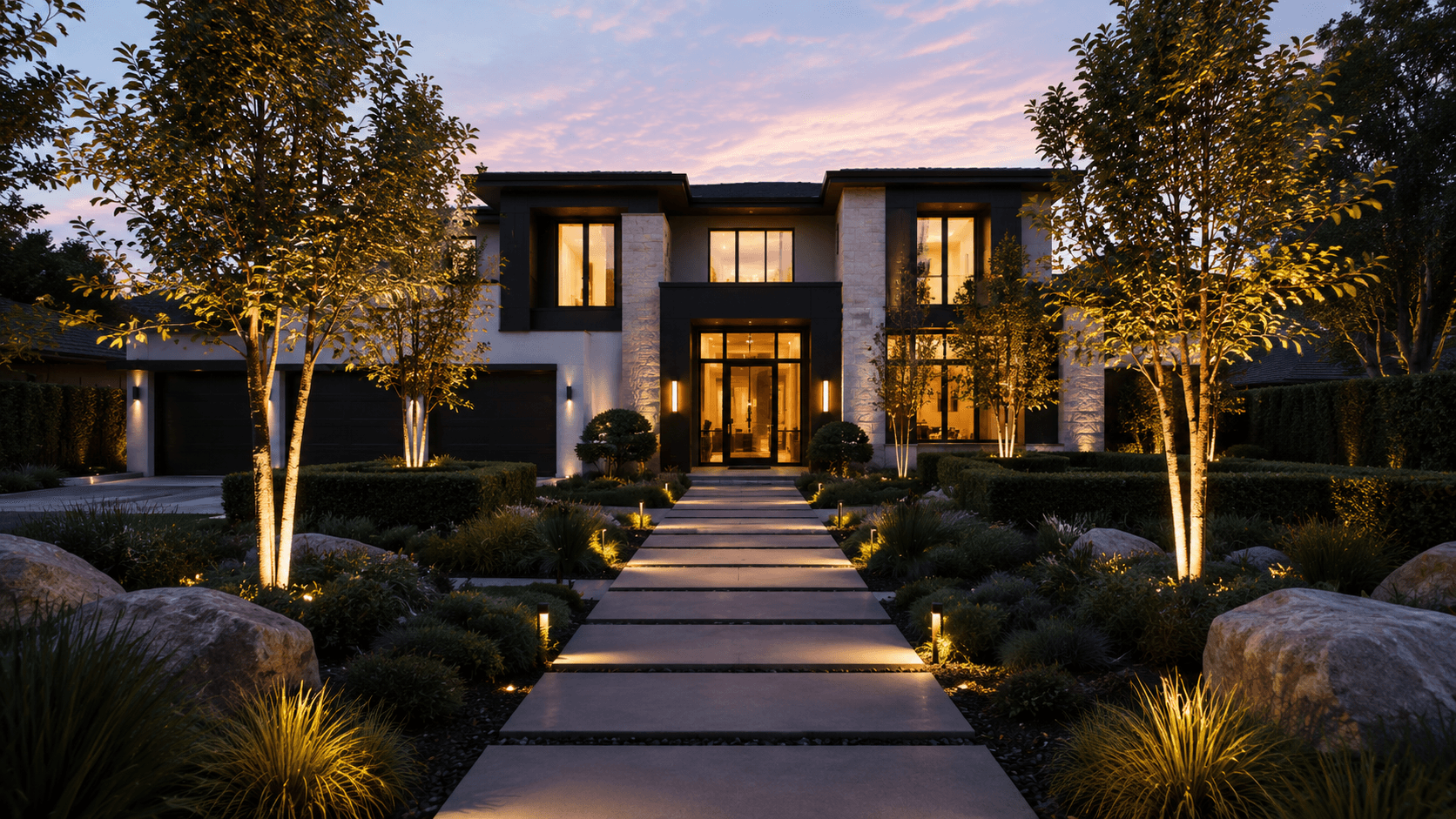
A staged exterior photo — whether a cleaned-up daytime shot or a dusk conversion — generates a compelling Reel when animated with a cinematic approach to the facade. External approach flythroughs work particularly well for properties with strong kerb appeal, architectural detail, or landscaping — turning a still photo into a short-form video that stops the scroll.
- Exterior approach movement builds anticipation and showcases facade design
- Works on dusk conversions, sky-replaced photos, and professionally composed exteriors
- Optimised for Instagram and TikTok where visual impact in the first second is critical
AI Video and Visual Tools for Every Listing
Cinematic flythroughs, transformation reveals, staged photos, and dusk conversions — explore the full Homai toolkit for every listing marketing format.
Frequently Asked
Questions
The standard output is a 5-second cinematic video — optimised for social media platforms like Instagram Reels and TikTok where short-form video performs best. This length is also ideal for use as a listing portal video preview.
Yes — this is one of the most effective combinations. Generate a virtual staging result, then apply the flythrough to the staged photo. The result is a video that showcases the staged interior in a dynamic, engaging format.
The output video is delivered at a resolution suitable for full-screen social media playback and listing portal display.
Yes — interior and exterior photos both work. Exterior flythroughs are particularly effective for Instagram and TikTok content, with a camera approach movement toward the facade.
Typically a few minutes from upload to download — longer than still-image tools due to the video generation process.
Explore all Homai AI tools
Every tool works on your existing listing photos — no new photography required.
Four simple steps to stage, redesign,
or transform any property
Upload any property photo and get a professional staging, redesign, or marketing result in under 60 seconds.
Upload your photo
Any room, exterior, floor plan, or sketch — JPG, PNG, or WEBP. Works with existing listing photography or smartphone shots.
- Works on rooms, exteriors, floor plans, and design sketches
- No special equipment — phone camera quality is fine
💡 For best results: well-lit spaces with a straight-on camera angle. Avoid heavy shadows or fish-eye lenses.

Choose your style or settings
Select your design style, tone, or output preferences. Each tool has its own options — staging style, colour, dusk intensity, or copy tone.
- 37+ staging and design styles available across tools
- Settings are tailored to each tool's specific output type

AI generates your result
The AI processes your input and delivers a high-resolution result in under 60 seconds. No manual editing or design experience required.
- Results in under 60 seconds — faster than any manual process
- High-resolution output — no editing or touch-up required

Download and use immediately
Your result is ready to download at full resolution. Publish directly to property portals, social media, client presentations, or print collateral.
- Full-resolution download — portal and print ready
- Use across listings, social media, brochures, and client presentations
