AI Apply Style
Upload any inspiration image — a Pinterest save, a hotel room you loved, a magazine spread — and apply its exact aesthetic to your room. AI transfers the colours, materials, furniture style, and mood in under 60 seconds.
Stop wondering if inspiration will work in your room — upload any reference image and see its exact aesthetic applied to your actual space in seconds.
Let's configure your apply style
Your Room
Drop photo here
JPG, PNG or WEBP
Style Reference
Drop photo here
Pinterest, magazine, hotel room photo
Plans from $49/month · Cancel anytime
Related tools you might like:
or explore our 30+ other tools to get the exact result you want
Explore our toolsApply Any Style to Any Room in 4 Steps
Upload your room photo
Any interior room photo — living area, bedroom, kitchen, or dining space. JPG, PNG, or WEBP.
Upload your inspiration image
A Pinterest pin, hotel room photo, magazine spread, or any image with the aesthetic you want to apply. The AI reads the visual DNA.
AI applies the aesthetic
The AI extracts the style's colours, materials, furniture character, and mood — and applies them comprehensively to your room.
Download your result
Your room in the new aesthetic — ready to compare, share, and use immediately. Run multiple inspiration images to compare directions.
Mood Boards Show the Inspiration —
Style Transfer Shows It in Your Room
Mood boards are a valuable tool for communication — but they show the inspiration in isolation. The critical missing step is seeing whether that inspiration translates to your specific room — its proportions, its natural light, its existing architectural elements. AI Apply Style bridges this gap by taking any inspiration image and applying its aesthetic directly to your room photo. The question stops being 'does this look good in general?' and becomes 'does this look good here?'
For Agents and Designers:
Show Clients Their Preferred Style in the Actual Property
In real estate and interior design, style preferences are often communicated through reference images — 'like this hotel I stayed at,' 'similar to this Pinterest board I showed you.' AI Apply Style makes it possible to apply those references directly to the actual property or room you're working with. Instead of explaining how the inspiration might translate, you show it. Client alignment happens faster, and fewer misunderstandings derail the process.
Any Inspiration,
Applied to Your Room
From a Pinterest save to a hotel room aesthetic — see how AI applies any inspiration style to your actual room photo.
Pinterest and Magazine Styles
Transferred to Your Room
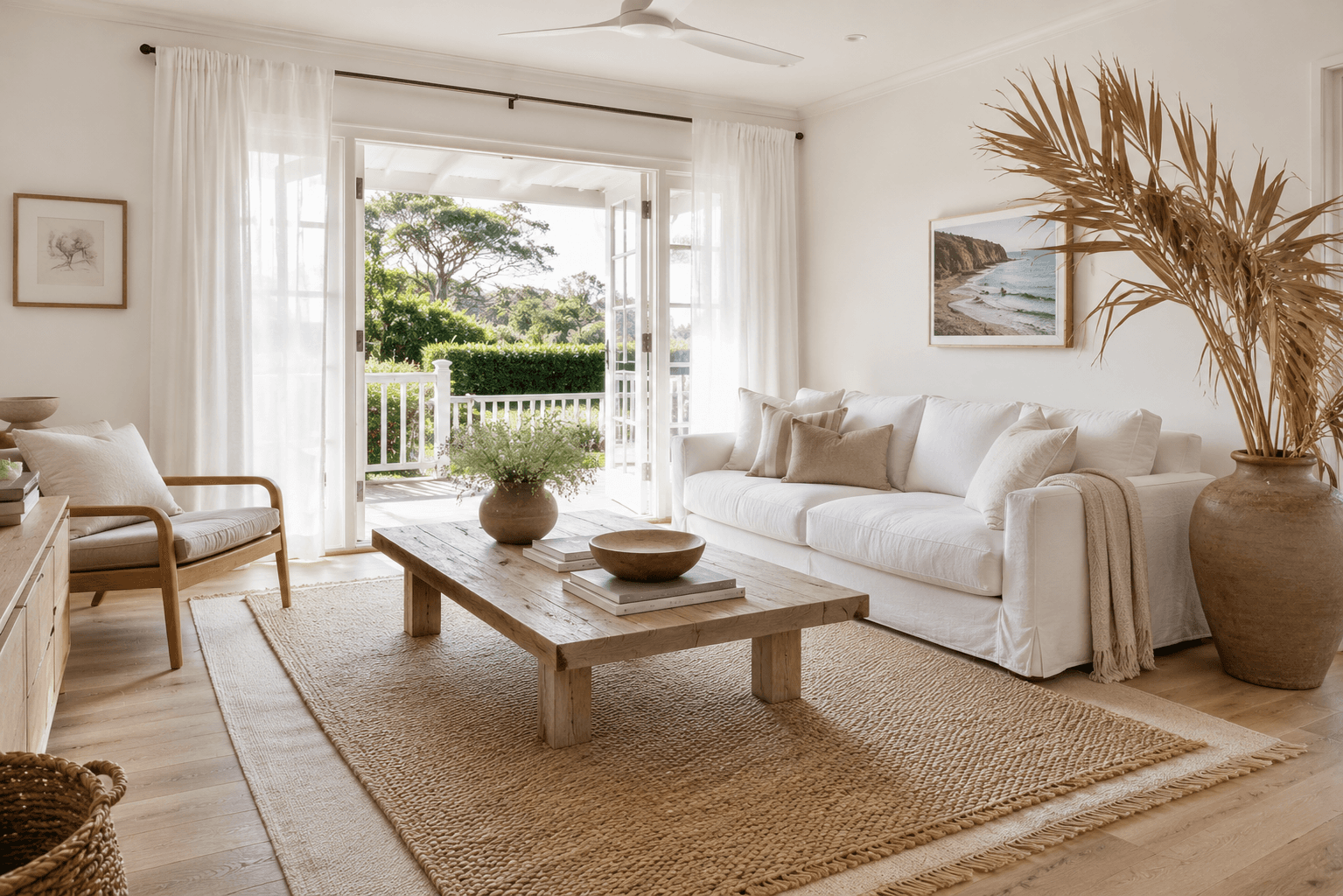
Pinterest and interior design magazines are full of beautifully styled rooms — but the jump from inspiration to reality is often unclear. AI Apply Style makes it direct: upload a Pinterest pin you love, upload your room photo, and receive your room styled in that exact aesthetic — same colour palette, similar material choices, matched furniture character and spatial mood. The result is a realistic preview of what that inspiration actually looks like in your specific space.
- Upload any Pinterest pin or saved image as the style reference
- AI extracts colour palette, material preferences, furniture style, and spatial mood
- Result shows your room in the inspiration's aesthetic — not a generic version of it
Hotel and Hospitality Aesthetics
Brought Into Your Home
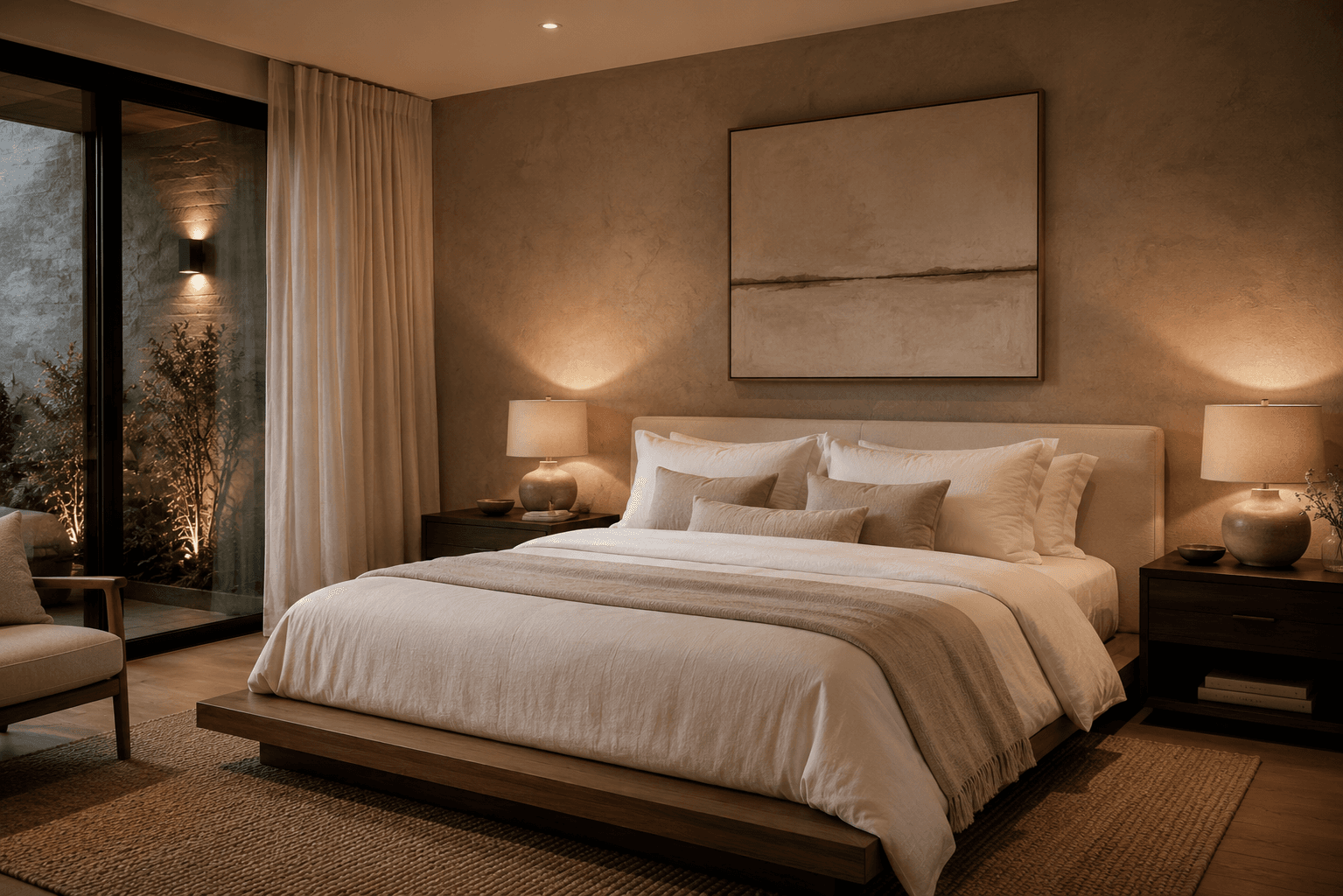
Hotel rooms often represent some of the most refined residential aesthetics available — curated by professional designers with large budgets. If there's a hotel room you've stayed in or seen that you love, AI Apply Style lets you see what that aesthetic looks like applied to your home. Upload a photo of the hotel room, upload your room, and the AI extracts the hospitality aesthetic and applies it — furniture profile, material warmth, lighting quality, and spatial restraint.
- Apply luxury hospitality aesthetics to any home interior
- Captures the quality of finish, warmth, and restraint that makes hotel rooms feel special
- Useful for short-term rental hosts wanting a boutique hotel aesthetic for their property
AI Style Tools for Every Interior
Inspiration transfer, preset design styles, custom descriptions, and virtual staging — explore the full Homai toolkit for every interior design challenge.
Frequently Asked
Questions
Yes — any image with a clear interior aesthetic works: Pinterest pins, magazine photos, hotel room images, interior design portfolio shots, or screenshots from design apps. The AI reads the visual style from the image rather than requiring a specific format.
The AI extracts the aesthetic comprehensively: colour palette, material choices (timber, linen, stone, metal), furniture style and profile, lighting quality and warmth, spatial mood, and decorative character. It transfers the full aesthetic feeling — not just surface colours.
Interior Redesign applies a named preset style (Modern, Japandi, Hamptons) from Homai's style library. Apply Style lets you use any inspiration image as the style reference — giving you much more freedom to target specific aesthetics that might not fit neatly into a named category.
Yes — upload each room separately with the same inspiration image. This is useful for achieving a cohesive aesthetic across multiple rooms in a property.
Explore all Homai AI tools
Every tool works on your existing listing photos — no new photography required.
Four simple steps to stage, redesign,
or transform any property
Upload any property photo and get a professional staging, redesign, or marketing result in under 60 seconds.
Upload your photo
Any room, exterior, floor plan, or sketch — JPG, PNG, or WEBP. Works with existing listing photography or smartphone shots.
- Works on rooms, exteriors, floor plans, and design sketches
- No special equipment — phone camera quality is fine
💡 For best results: well-lit spaces with a straight-on camera angle. Avoid heavy shadows or fish-eye lenses.

Choose your style or settings
Select your design style, tone, or output preferences. Each tool has its own options — staging style, colour, dusk intensity, or copy tone.
- 37+ staging and design styles available across tools
- Settings are tailored to each tool's specific output type

AI generates your result
The AI processes your input and delivers a high-resolution result in under 60 seconds. No manual editing or design experience required.
- Results in under 60 seconds — faster than any manual process
- High-resolution output — no editing or touch-up required

Download and use immediately
Your result is ready to download at full resolution. Publish directly to property portals, social media, client presentations, or print collateral.
- Full-resolution download — portal and print ready
- Use across listings, social media, brochures, and client presentations
