AI Transformation Video
Turn any empty room into a cinematic before/after staging reveal video — dramatic transformation sequence, social media optimised, and ready to post. The most shareable format in real estate content marketing.
Before/after content stops the scroll — show buyers the magic of virtual staging in a cinematic reveal video that drives shares, saves, and enquiries.
Let's configure your transformation video
Upload an empty or unfurnished room photo
JPG, PNG or WEBP · Works best on empty or sparsely furnished rooms
Plans from $49/month · Cancel anytime
Related tools you might like:
or explore our 30+ other tools to get the exact result you want
Explore our toolsCreate a Transformation Video in 4 Steps
Upload an empty room photo
A bare, unfurnished, or minimally furnished room photo — the AI will stage it and document the transformation.
💡 Well-lit, wide-angle shots of empty rooms produce the most dramatic transformation reveals. The greater the contrast between empty and staged, the more compelling the video.
Choose a staging style
Select the design aesthetic for the furnished result — Modern, Hamptons, Japandi, Coastal, Luxury, and more.
AI generates the transformation video
The room is staged, then assembled into a cinematic transformation sequence showing the before, the reveal, and the staged after.
Download and post
Share on Instagram, TikTok, Facebook, and listing portals for maximum engagement. Ready for immediate upload.
Before/After Content Is the Most
Viral Format in Real Estate Marketing
Before/after transformation content consistently outperforms every other format on Instagram, TikTok, and Facebook for real estate accounts — it's psychologically compelling, visually satisfying, and generates saves and shares at rates that static listing photos never achieve. Combining this with AI virtual staging creates a content format that simultaneously showcases the property's potential and demonstrates the agent's marketing sophistication. The Transformation Video is the highest-impact thing you can post from a new listing.
Show Vendors the Staging Impact
Before the Campaign Launches
Transformation videos have a secondary, powerful use case: showing vendors what the virtual staging reveal will look like before the listing goes live. Many vendors are sceptical about virtual staging until they see the transformation. A before/after video of their own property, generated before the campaign launches, converts sceptical vendors into enthusiastic advocates who actively share the content with their own networks — amplifying the listing reach at no additional cost.
Empty Room to Staged Result —
In a Cinematic Reveal
See how AI generates compelling before/after staging reveal videos from empty room photos.
Living Room Transformations
The Most Shareable Reveal
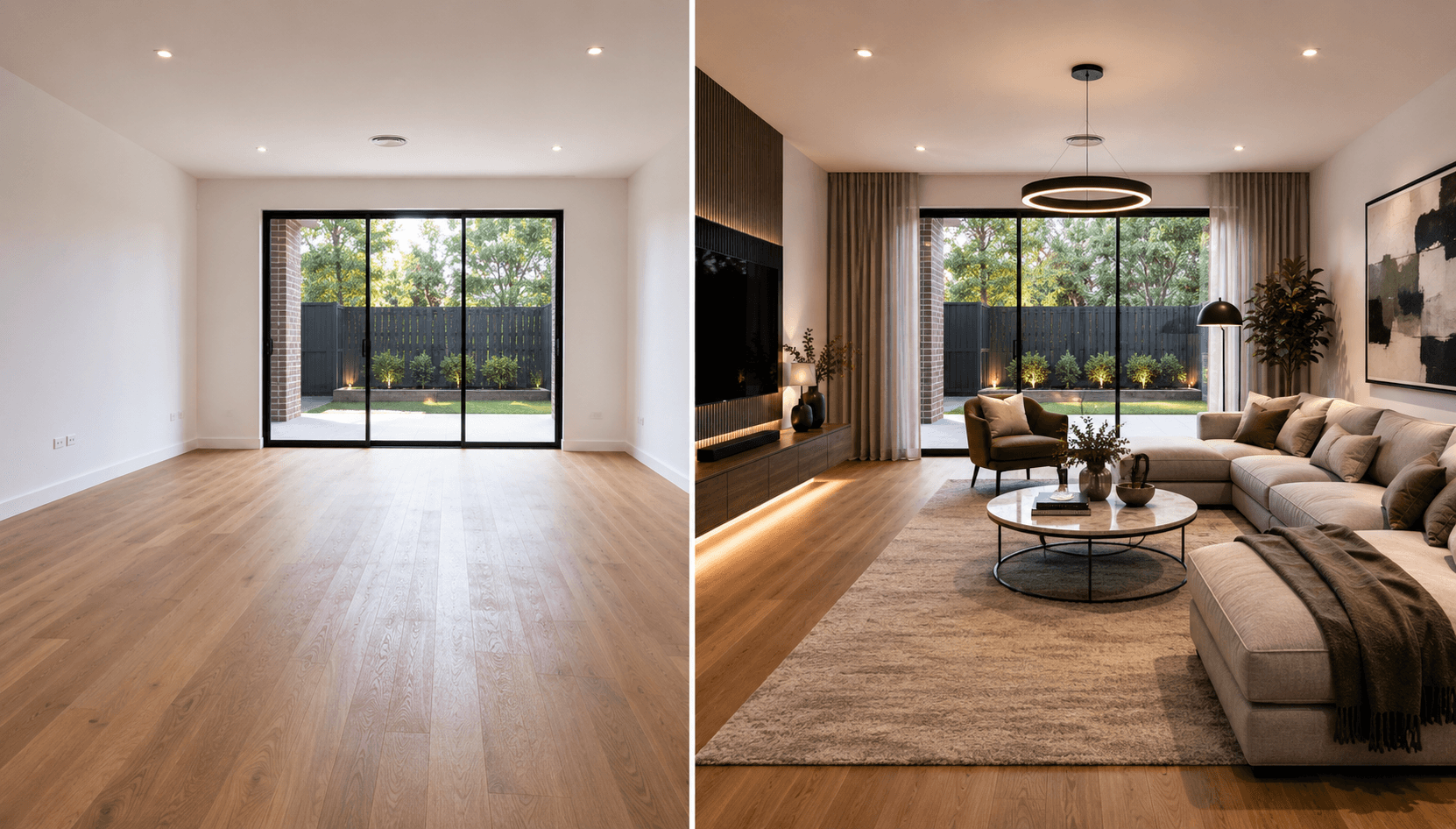
An empty living room is the most common starting point for a transformation video — and the most impactful. The contrast between a bare concrete floor and walls and a fully staged, styled living space is dramatic. The reveal sequence builds the room piece by piece, culminating in the full staging result — the moment viewers screenshot, save, and share.
- Empty living rooms produce the most dramatic transformation contrasts
- The step-by-step reveal holds attention through the full video duration
- Works in any staging style — Modern, Hamptons, Japandi, or Luxury
Bedroom Reveals for
Instagram and TikTok Performance
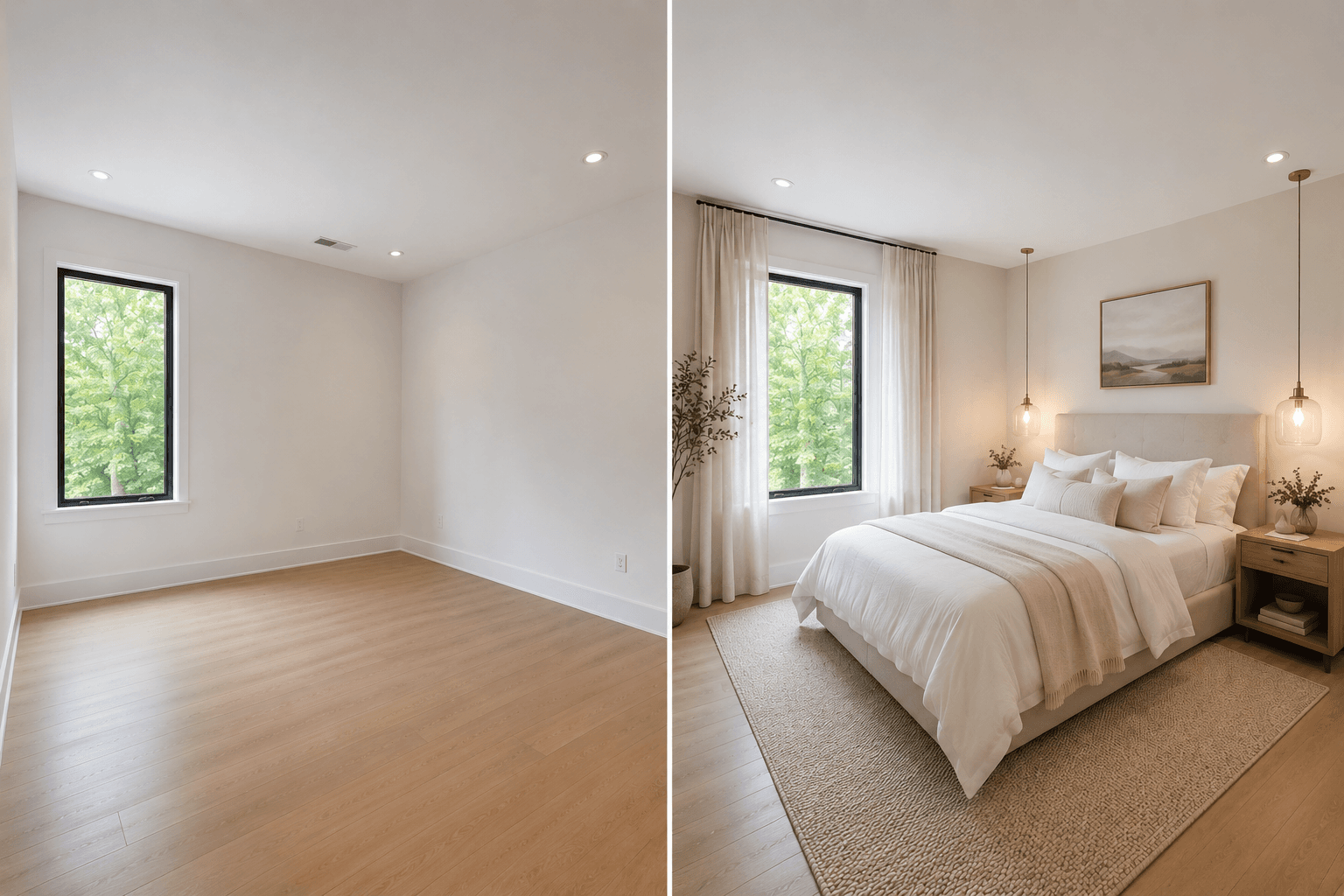
Bedroom transformation videos perform particularly well on Instagram and TikTok — the aspirational nature of a beautifully staged bedroom matches the lifestyle content that audiences engage with on these platforms. From a bare room to a styled master suite, the reveal is visually satisfying and emotionally resonant — exactly the content that gets saved and shared.
- Master bedroom reveals are among the highest-save content types for real estate accounts
- Works in Hamptons, Luxury, and Japandi styles for different buyer demographics
- Short format ideal for TikTok hooks — the transformation completes within 5 seconds
AI Video and Staging Tools for Maximum Listing Impact
Transformation reveals, cinematic flythroughs, virtual staging, and furniture removal — explore the full Homai toolkit for every listing marketing format.
Frequently Asked
Questions
Empty rooms produce the most dramatic transformations — the contrast is maximum. Sparsely furnished rooms also work well. Fully furnished rooms with existing staging are less suited to this tool; use Interior Redesign for those instead.
The output format and aspect ratio is optimised for Instagram Reels, TikTok, and Facebook video — the platforms where transformation content performs best.
Yes — choose from Modern, Hamptons, Japandi, Coastal, Luxury, Scandinavian, and other styles. The staging result and the transformation video will both reflect your chosen aesthetic.
A few minutes from upload to download — video generation takes longer than still-image tools. The result is worth the wait.
Explore all Homai AI tools
Every tool works on your existing listing photos — no new photography required.
Four simple steps to stage, redesign,
or transform any property
Upload any property photo and get a professional staging, redesign, or marketing result in under 60 seconds.
Upload your photo
Any room, exterior, floor plan, or sketch — JPG, PNG, or WEBP. Works with existing listing photography or smartphone shots.
- Works on rooms, exteriors, floor plans, and design sketches
- No special equipment — phone camera quality is fine
💡 For best results: well-lit spaces with a straight-on camera angle. Avoid heavy shadows or fish-eye lenses.

Choose your style or settings
Select your design style, tone, or output preferences. Each tool has its own options — staging style, colour, dusk intensity, or copy tone.
- 37+ staging and design styles available across tools
- Settings are tailored to each tool's specific output type

AI generates your result
The AI processes your input and delivers a high-resolution result in under 60 seconds. No manual editing or design experience required.
- Results in under 60 seconds — faster than any manual process
- High-resolution output — no editing or touch-up required

Download and use immediately
Your result is ready to download at full resolution. Publish directly to property portals, social media, client presentations, or print collateral.
- Full-resolution download — portal and print ready
- Use across listings, social media, brochures, and client presentations
