AI Exterior Redesign
Redesign the exterior of any property — new façade colours, cladding materials, windows, landscaping — before any construction begins. See your kerb appeal transformation photorealistically in under 60 seconds.
Kerb appeal sells properties — see your exterior transformation before committing to any builder, painter, or landscaper.
Let's configure your exterior redesign
Upload an exterior photo to redesign
JPG, PNG or WEBP · Front elevation, street view, or backyard shots
Plans from $49/month · Cancel anytime
Related tools you might like:
or explore our 30+ other tools to get the exact result you want
Explore our toolsRedesign Any Exterior in 4 Steps
Upload an exterior photo
Front elevation, street view, or backyard. Any residential or commercial exterior. JPG, PNG, or WEBP.
💡 Best results with a straight-on front elevation shot in good daylight. Oblique angles and heavily backlit photos will still work but may produce less detailed results.
Choose a style direction
Select a style preset (Modern, Hamptons, Heritage, Mediterranean) or describe the specific changes you want — colour, materials, landscaping.
AI redesigns the exterior
Façade finishes, cladding, windows, and landscaping are all transformed while the building's architecture and proportions remain exactly as they are.
Compare and download
Use the before/after slider, share with your builder or agent, then download for listings, proposals, or presentations.
Kerb Appeal Is the First Filter —
And It Happens Before the Open Home
In real estate, a buyer's first impression of a property isn't the open home — it's the listing photo on the portal, or the drive-past before they make an enquiry. Exterior appeal is the filter that determines whether they engage at all. A dated render colour, overgrown garden, or uninviting facade can cost a property its first-click impression. AI Exterior Redesign lets agents and vendors show what the property could look like with a facade refresh — and use that image as the portal hero shot.
A Visual Brief for Your Builder —
Before Any Quotes Are Signed
Getting exterior renovation quotes is often a frustrating exercise in verbal communication — describing to a painter, landscaper, or builder what you want without being able to show them. AI Exterior Redesign produces a photorealistic visual brief from the actual property photo that eliminates this ambiguity. Hand the image to your painter, landscaper, or architect and say 'like this' — dramatically reducing misalignment and costly mid-project changes.
Pre-Sale Façade Improvements —
Know the Investment Before You Make It
For sellers considering a facade refresh before listing, the ROI question is always: is it worth doing? A render repaint or landscaping upgrade adds cost — but also adds value if done well. AI Exterior Redesign lets agents and vendors see the before/after impact of a proposed exterior improvement before any money is spent, making the investment decision much more concrete. If the transformation is compelling, it makes the case for the spend.
AI Exterior Redesign vs Traditional Visualisation
Why architects, agents, and homeowners use Homai for exterior redesign
Any Façade, Any Style,
Before Any Building Begins
See how AI transforms exterior facades — from dated brick to contemporary render, from overgrown gardens to polished landscaping.
Material and Colour Changes
Applied to the Actual Property
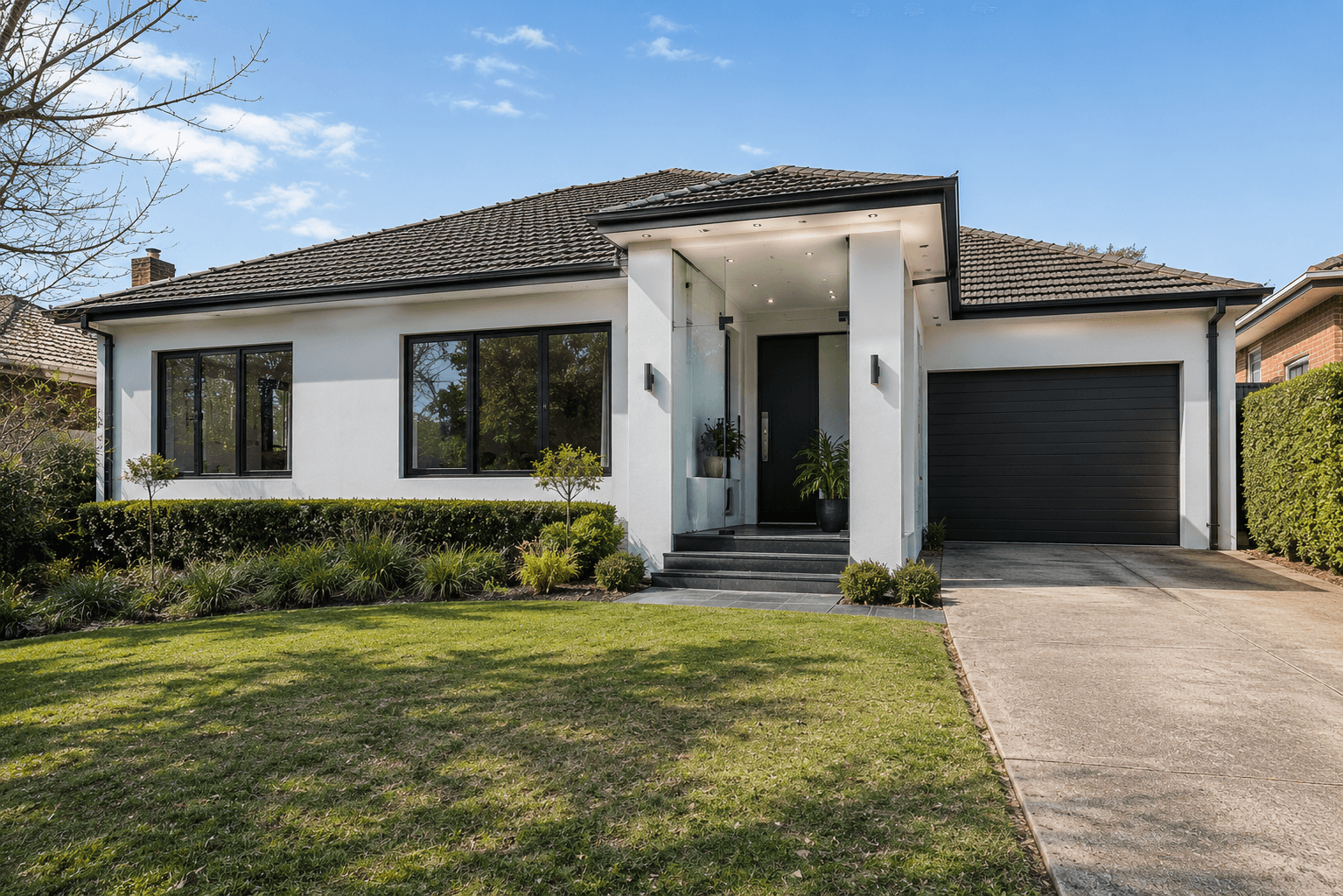
The most common use case: changing a 1980s brick veneer facade to a contemporary render, swapping a cream-painted exterior for a bold charcoal, or testing Hamptons weatherboard against existing brick. AI Exterior Redesign applies any material or colour change to the real property photo — showing exactly how it reads in the property's actual light conditions, orientation, and landscaping context.
- Render repaint: test charcoal, warm white, sage, and navy against your actual facade
- Cladding swap: see Hamptons weatherboard, timber, or Colorbond on your actual building
- Generate multiple options to present to a vendor before any commitment is made
Landscaping and Kerb Appeal
From Neglected to Market-Ready
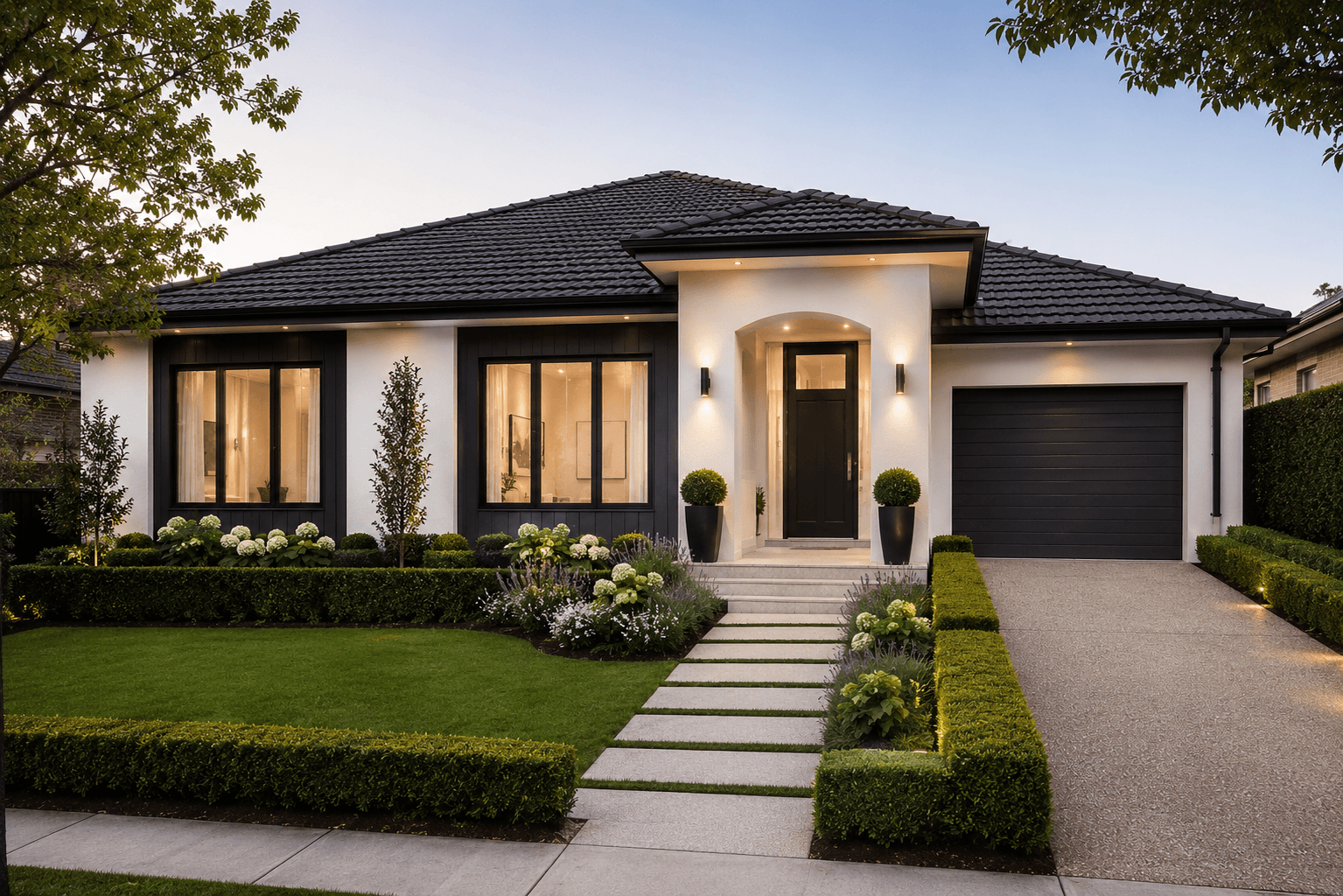
An overgrown or bare front garden undermines even a beautifully presented facade. AI Exterior Redesign includes landscaping redesign — adding formal hedging, garden beds, lush lawn, and polished driveway edging alongside any facade change. The result is a complete kerb appeal transformation that shows the property as it could present with a relatively modest investment in the garden.
- Bare or neglected front gardens transformed into polished, market-ready landscaping
- Driveways, paths, and front fence treatments redesigned alongside the facade
- Formal hedging and mature plantings added for instant kerb appeal impact
AI Exterior Tools for Every Property Type
Facade redesigns, sky replacements, landscaping upgrades, dusk conversions — explore the full Homai toolkit to present every exterior at its best.
Frequently Asked
Questions
Yes — architecture preservation is a core feature. The AI locks the building's structural elements — roofline, walls, window positions, door openings — and only changes the finishes, materials, and landscaping. The property will look like the same building, just with a new presentation.
Yes — generate the same property in Modern, Hamptons, Heritage, and other styles by applying each to the same photo. Each generation uses 1 credit. This is the best way to compare directions before committing to any work.
Yes — the tool works on any building exterior. Commercial, retail, and mixed-use properties all benefit from exterior redesign, particularly for facade refresh planning and development marketing.
Yes — this is one of the most practical applications. Download the redesign image and share it with your painter, landscaper, or builder as a visual brief. It dramatically reduces miscommunication and speeds up quoting.
The AI produces a photorealistic representation based on the original photo. It accurately shows the colour, material character, and overall aesthetic of the redesign. For precise specification matching (exact paint code, tile size), physical samples should be used alongside the AI preview.
Explore all Homai AI tools
Every tool works on your existing listing photos — no new photography required.
Four simple steps to stage, redesign,
or transform any property
Upload any property photo and get a professional staging, redesign, or marketing result in under 60 seconds.
Upload your photo
Any room, exterior, floor plan, or sketch — JPG, PNG, or WEBP. Works with existing listing photography or smartphone shots.
- Works on rooms, exteriors, floor plans, and design sketches
- No special equipment — phone camera quality is fine
💡 For best results: well-lit spaces with a straight-on camera angle. Avoid heavy shadows or fish-eye lenses.

Choose your style or settings
Select your design style, tone, or output preferences. Each tool has its own options — staging style, colour, dusk intensity, or copy tone.
- 37+ staging and design styles available across tools
- Settings are tailored to each tool's specific output type

AI generates your result
The AI processes your input and delivers a high-resolution result in under 60 seconds. No manual editing or design experience required.
- Results in under 60 seconds — faster than any manual process
- High-resolution output — no editing or touch-up required

Download and use immediately
Your result is ready to download at full resolution. Publish directly to property portals, social media, client presentations, or print collateral.
- Full-resolution download — portal and print ready
- Use across listings, social media, brochures, and client presentations
