How to Create a Day-to-Dusk Real Estate Photo (Step-by-Step with AI)
A complete step-by-step guide to converting any daytime real estate exterior photo into a warm twilight Day to Dusk version using Homai's AI tool — in under 90 seconds.
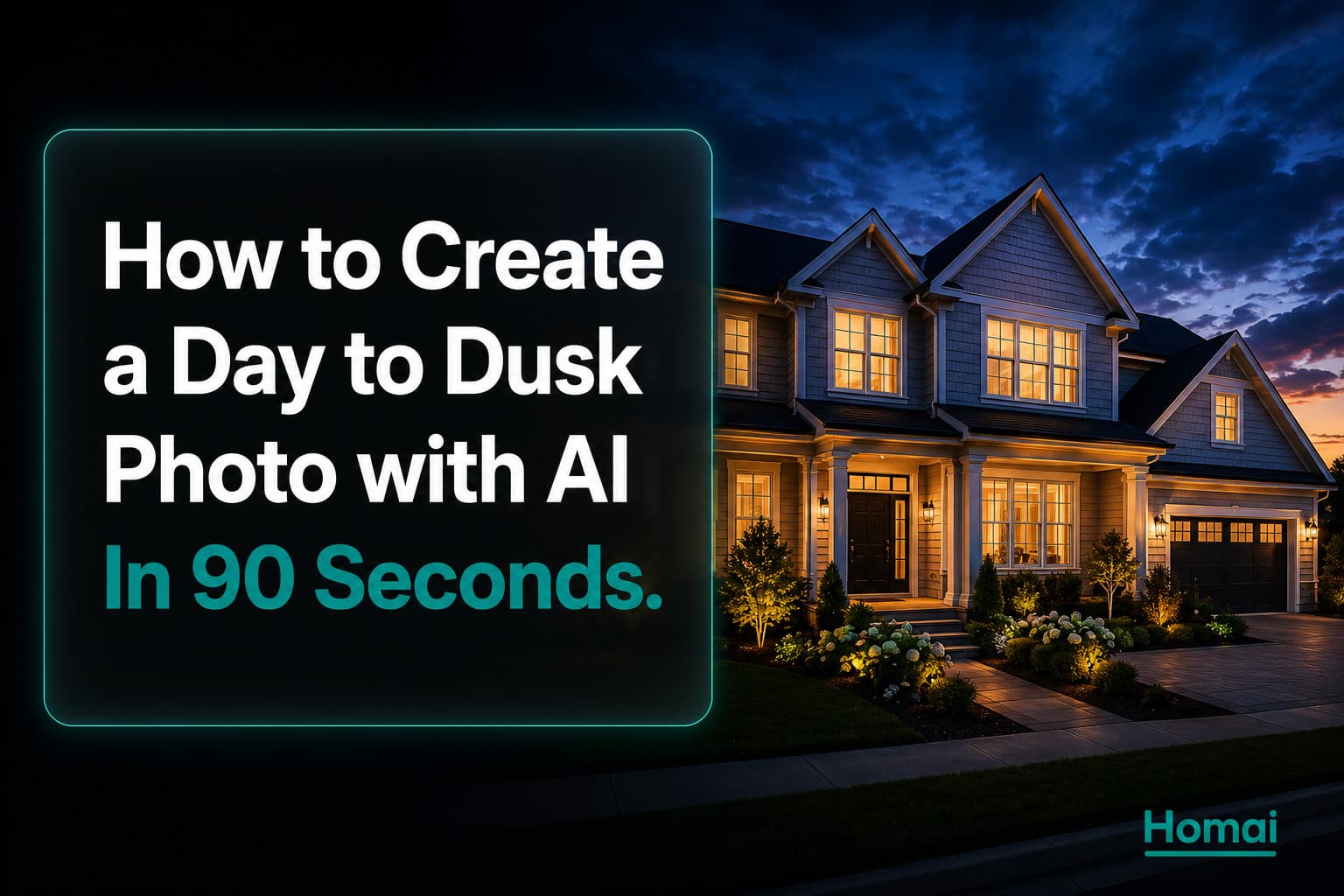
A twilight exterior photo generates 66% more portal views than the same shot taken in daylight (PhotoUp, 2025). It's the single highest-ROI photo intervention available in real estate listing production — and with AI, it takes under 90 seconds to create from any daytime exterior photo.
This is the complete step-by-step guide to creating a Day to Dusk photo using Homai.
What Day to Dusk Does
The AI replaces the daytime sky, adds warm evening light to windows, and creates the golden hour effect that makes properties look their most aspirational.
Day to Dusk converts a standard daytime exterior property photo into a warm twilight version:
- The sky transitions from daytime to deep blue evening
- Window light becomes warm amber — as if all lights are on inside
- Any artificial exterior lighting (pathway lights, garden lights, wall sconces) glows
- The overall colour temperature of the facade shifts to the warmer, more inviting tones of dusk
The result reads as a professional twilight photography shoot — without scheduling a photographer at golden hour, without hoping for the right weather conditions, and without the additional cost of a twilight session ($200–$400 for most markets).
What Makes a Good Input Photo
Not every exterior photo produces an equally good Day to Dusk output. These characteristics produce the best results.
Windows are visible and clearly defined. The AI adds warm light to windows — if windows aren't visible or are very small, the twilight effect is less dramatic. Properties with large windows, glass doors, or significant window area produce the most striking Day to Dusk outputs.
The facade is well-lit in the original. Day to Dusk doesn't fix fundamentally dark or underexposed exteriors — it converts a good daytime photo to twilight. Start with a correctly exposed input.
The driveway is clear. Any vehicles in the driveway will be lit as if it's dusk, which can look unnatural. Use Homai's Erase Objects tool to remove cars before Day to Dusk conversion if needed.
Landscape orientation. Portrait (vertical) exterior photos work but landscape is preferred for portal cover use.
Minimum resolution 1024×768px. Below this, the AI output loses photorealism at the window light insertion points.
Step 1: Open the Day to Dusk Tool
From your Homai dashboard, Day to Dusk is in the Edit Photo category.
Log in to homaihq.com.
From the dashboard, click Edit Photo in the top navigation. Select Day to Dusk from the tool options.
Step 2: Upload the Exterior Photo
The tool accepts JPG, PNG, and WebP up to 10MB.
Click the upload area or drag and drop your exterior photo. The tool accepts:
- JPG, JPEG, PNG, WebP
- Maximum 10MB
- Minimum 1024×768px recommended
The preview of your uploaded photo appears in the upload area.
Step 3: Generate and Review
Click Generate. The AI processes the conversion in approximately 60–90 seconds.
Click Generate (1 credit). Processing takes 60–90 seconds.
The twilight output appears alongside the original for comparison. Review:
Check the windows. Do they have warm, natural-looking light? If windows appear unnaturally bright or the colour is off (too green, too white), you can regenerate for a different variation.
Check the sky. The deep blue evening sky should look photorealistic — not like a painted backdrop. If the sky transition looks abrupt or unnatural, regenerate.
Check the facade colour. The facade should shift slightly warmer in the twilight version — this is normal and desirable. If the colour shift is too extreme, check the input photo's exposure.
Check for any artefacts. Unusual edges, repeated patterns, or smearing at the roofline occasionally occur. These indicate the input photo had a feature (TV antenna, complex roofline detail) that the AI handled imperfectly. Regenerate or use an alternative exterior angle.
Step 4: Download and Use
Output is a 4K JPG ready for portal upload and print.
Click Download to save the twilight version.
Output format: JPG, 4K resolution (4096×2731px).
Where to use it:
- Portal listing cover photo — this is the primary use case. Set the Day to Dusk exterior as either the cover image or the second image in the gallery
- Email campaigns — twilight exterior performs well as the header image in buyer database emails
- Social media — Instagram and Facebook: the warm/dramatic quality makes twilight exteriors highly shareable
- Listing brochure front cover — the most impactful single image for print materials
Which Photo to Convert: Choosing the Right Shot
If you have multiple exterior angles, which one benefits most from Day to Dusk conversion?
Convert the front facade facing the main entrance. This is almost always the right choice — it's the photo buyers associate with arriving at the property. Warm window light in this shot creates the strongest emotional response.
Prioritise photos where the garage is not the dominant feature. A Day to Dusk photo where the garage door takes up 40% of the frame is less emotionally impactful than one where the entrance, front door, and facade windows are the focal point.
For properties with strong alfresco or outdoor areas: a Day to Dusk conversion of the outdoor entertaining area (where string lights, pool lighting, or garden lights glow in the twilight) can also be highly effective — particularly for properties where the outdoor area is a primary selling feature.
Common Problems and Fixes
Windows look too bright/glowing. This occasionally happens with very large glazed windows or floor-to-ceiling glass. Regenerate — the second attempt usually moderates the window light intensity. If it persists, try a slightly different framing angle of the exterior.
The sky looks painted, not photographic. Usually caused by a very flat or completely white sky in the original (extremely overcast conditions). Use Homai's Sky Cleanup tool first to replace the overcast sky with a realistic daytime sky, then run Day to Dusk on the improved version.
The facade colour shifted too much. This can happen with white or very light-coloured facades which pick up more colour from the simulated sunset glow. The colour shift is usually subtle and looks realistic. If it's too extreme, the input photo may have had unusual white balance — correct in a basic photo editor before re-uploading.
Vehicle visible in driveway. Use Homai's Erase Objects tool to remove the vehicle before Day to Dusk conversion. A car lit as if it's twilight with warm headlight glow reads as unnatural.
How to Use Day to Dusk in Your Listing Strategy
This tool has the highest documented ROI of any single photo intervention. Here's how to use it systematically.
Every listing with a significant exterior should have a Day to Dusk version.
The standard workflow:
- Shoot the exterior during the day (you can't control the light conditions — just get the best daytime shot)
- Upload to Homai Day to Dusk
- Review and download
- Set as portal cover or position 2 in the gallery
Cost: under $2 per image. Time: under 2 minutes. Performance impact: 66% more portal views documented across platform data and independent research.
For agents who previously scheduled twilight photography sessions ($200–$400 per listing for a professional to return at golden hour): this single tool replaces that cost entirely.
Frequently Asked Questions
How long does Day to Dusk conversion take?
Approximately 60–90 seconds from clicking Generate to receiving the twilight output.
Does Day to Dusk work on interior photos?
Day to Dusk is optimised for exterior photos. Interior photos won't benefit from the sky and window light treatment — use Homai's Enhance Photo tool for interior improvements.
Do I need to disclose that the exterior is AI-converted to twilight?
Check your local real estate advertising standards. In many markets, AI-enhanced photos (including sky replacement and Day to Dusk) should be disclosed. Adding "Image enhanced" to the photo caption is the most common disclosure approach.
What resolution does the output come in?
4K (4096×2731px) — sufficient for portal upload, A4 print brochures, and signboards at standard sizes.
Related: Day to Dusk Real Estate Photography: How AI Replaces the $500 Twilight Shoot | AI Real Estate Photo Editing: The Complete Guide for Agents in 2026 | How to Remove Clutter from Real Estate Photos with AI (Before/After Guide)
Written by Homai
AI staging and interior design for real estate agents