Empty Rooms
Staged in Minutes.
Turn empty rooms into buyer-ready listings — no stylists, no furniture hire, no waiting.
No credit card required


And loved by 500+ users
10,000+
Rooms Staged with Homai
500+
Agents & Marketers Using Homai
35+
Staging Styles
Examples
Drag to compare
Photos that look professionally staged — without the cost or wait.
Living Room
Airbnb-ready staging

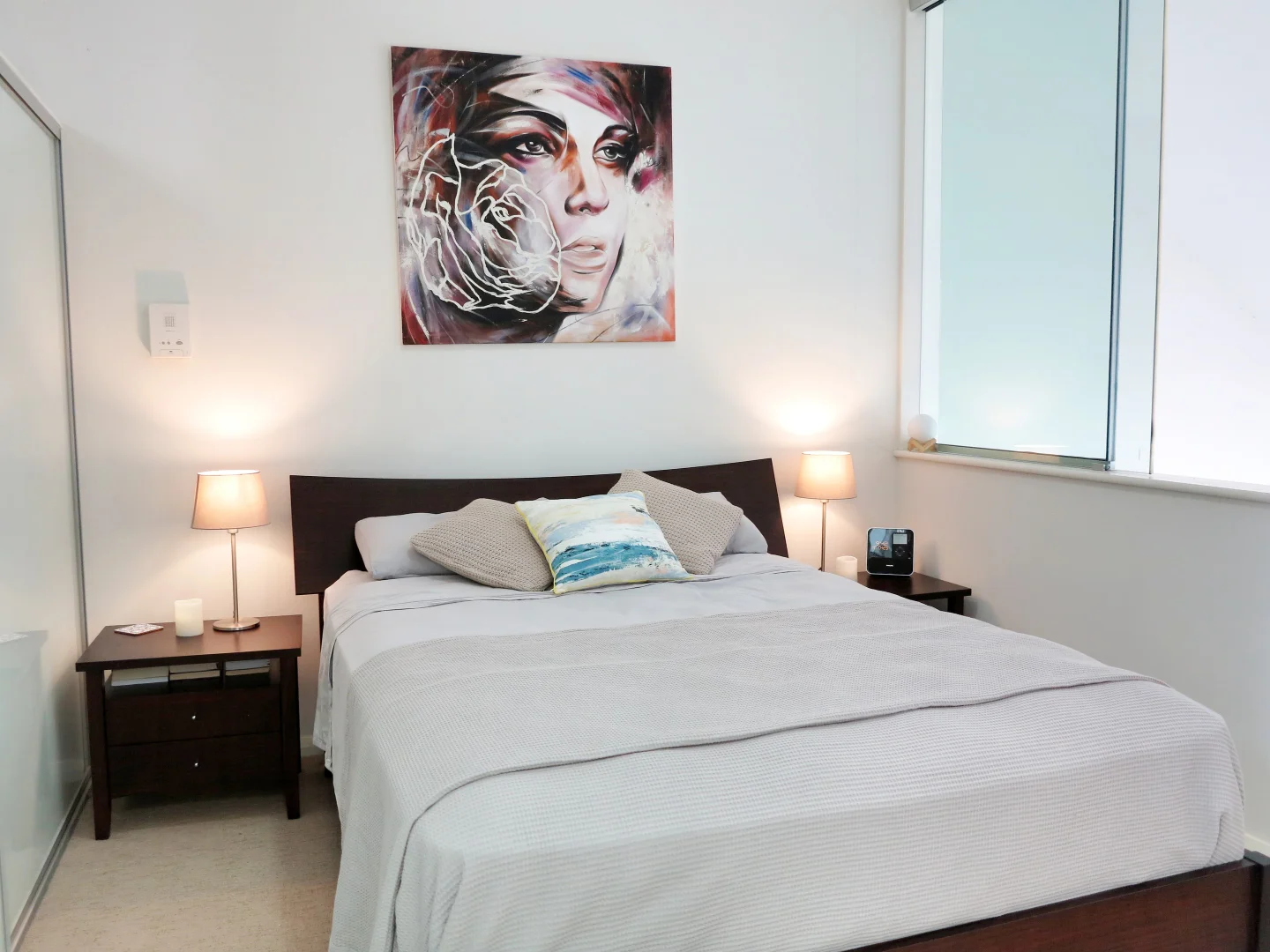
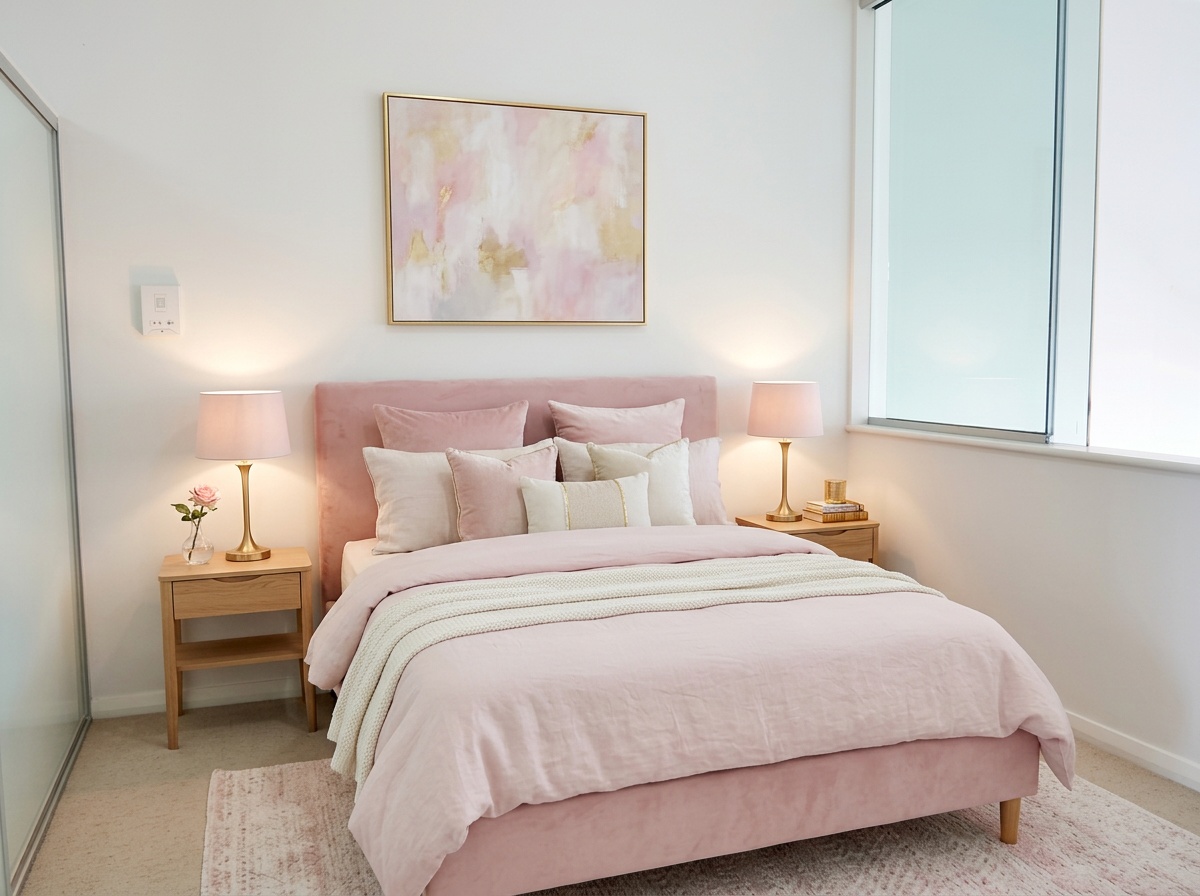
Bedroom
Family-friendly style
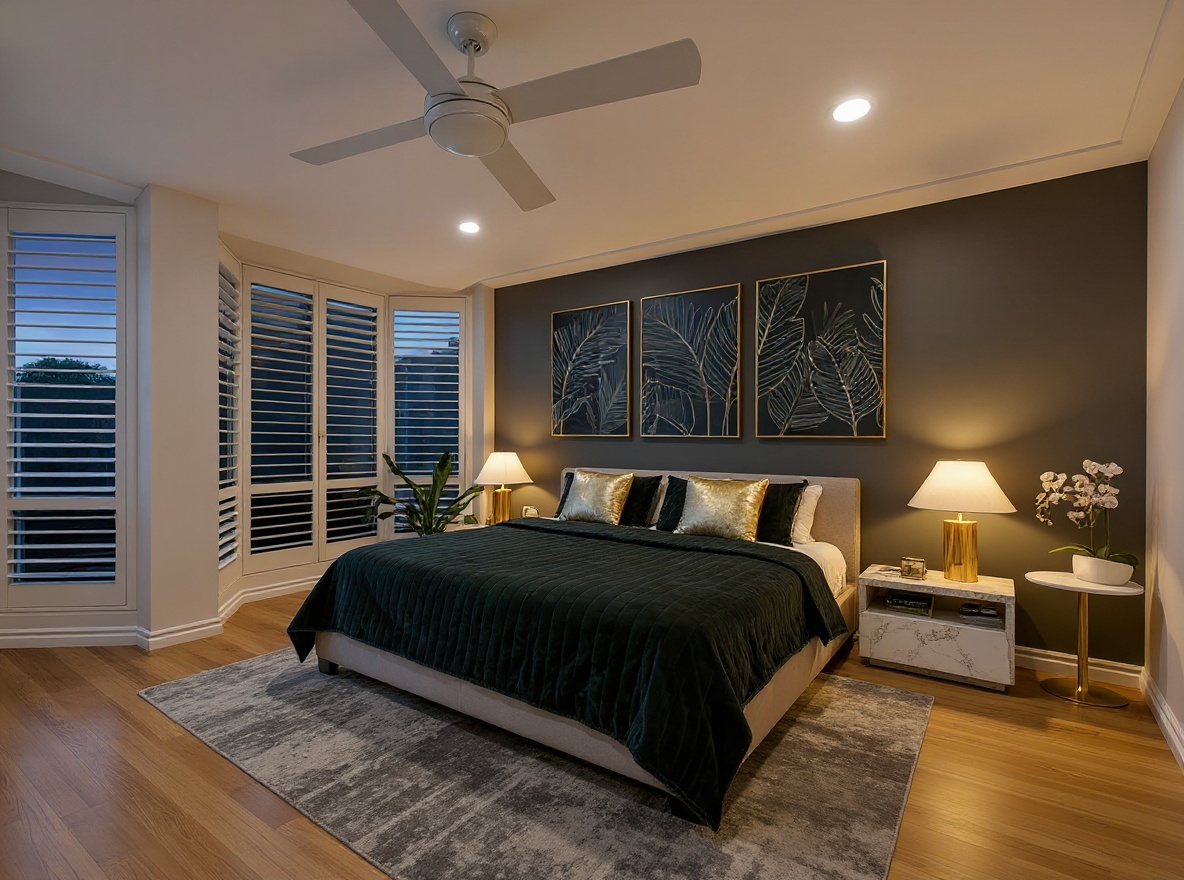
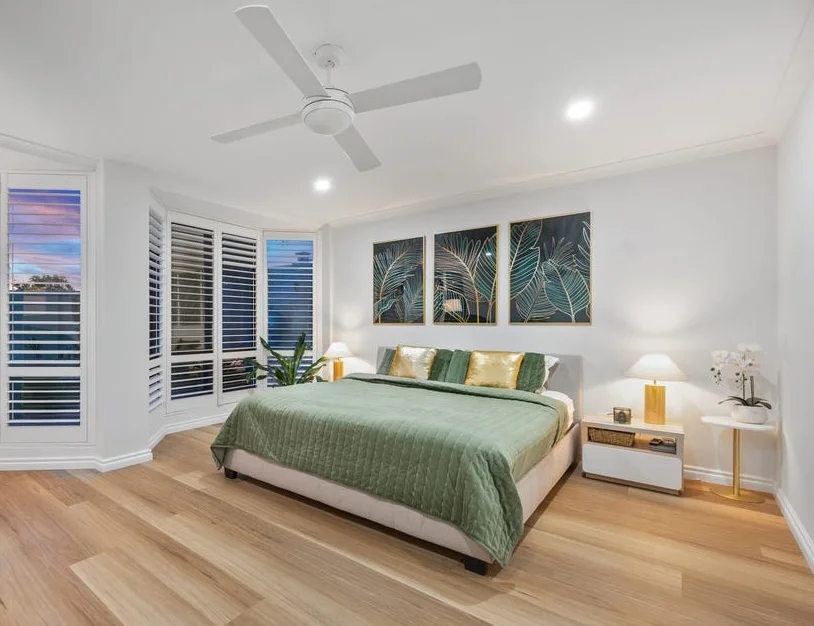
Bedroom
Premium listing look
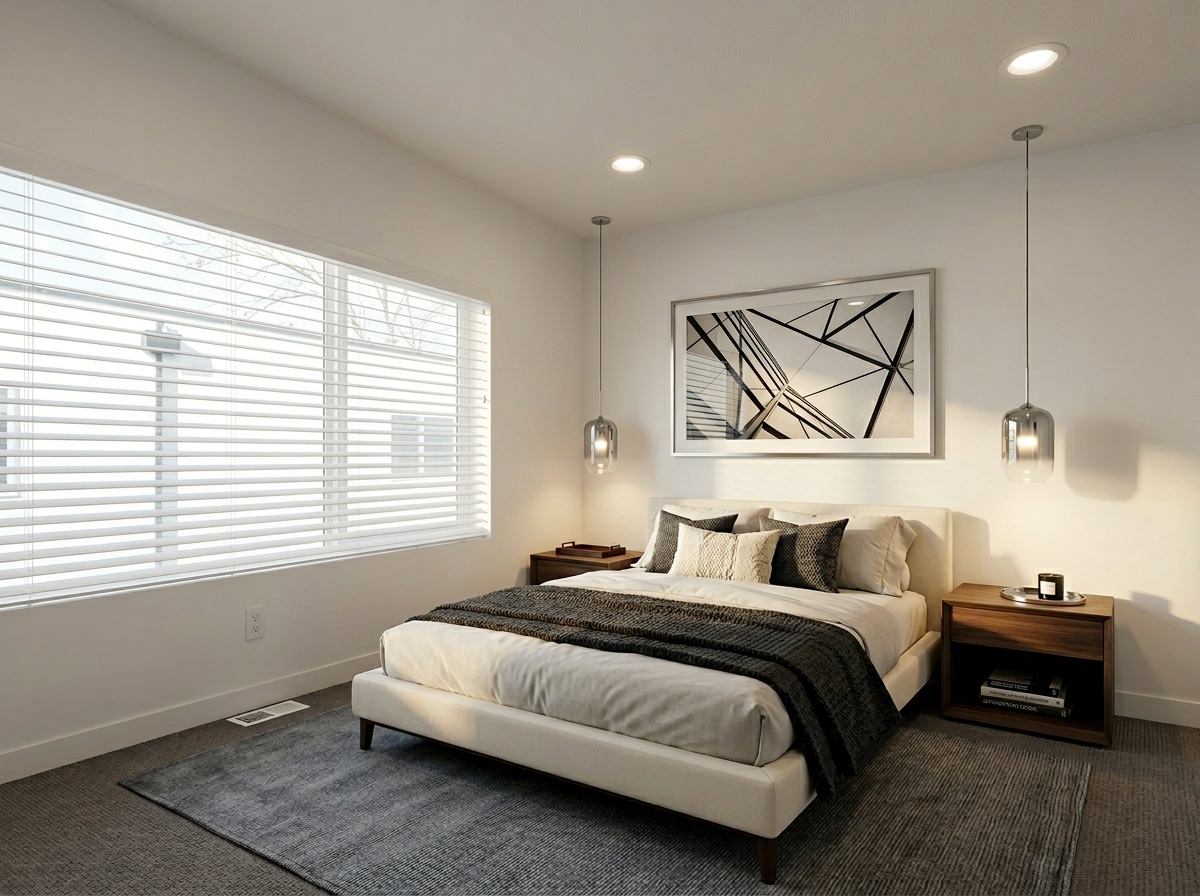
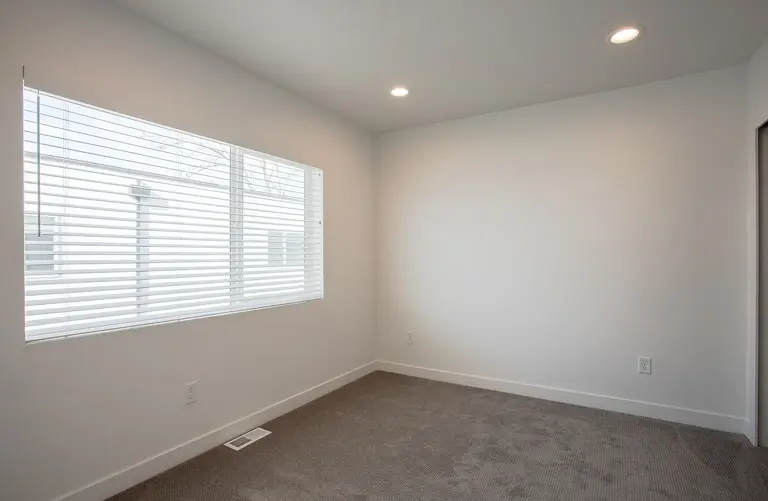
Bedroom
Clean modern finish
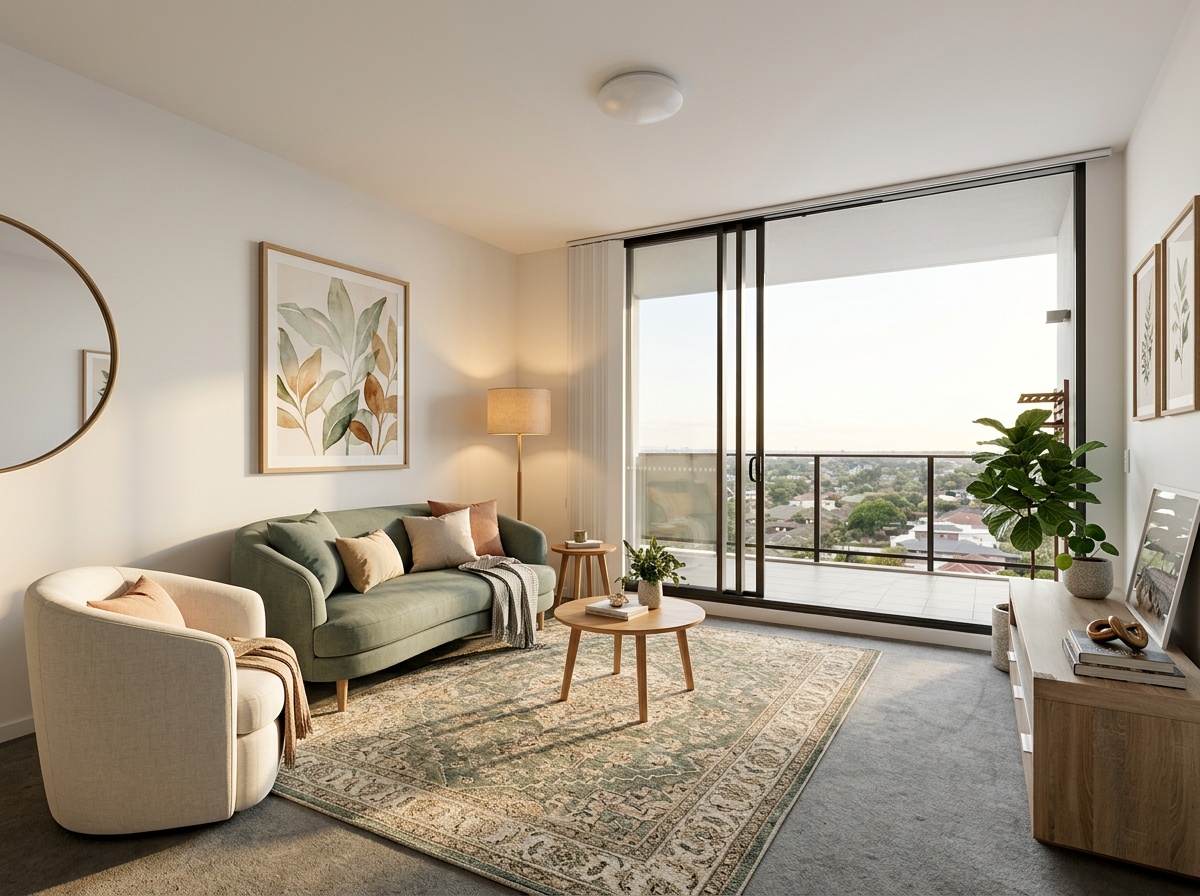
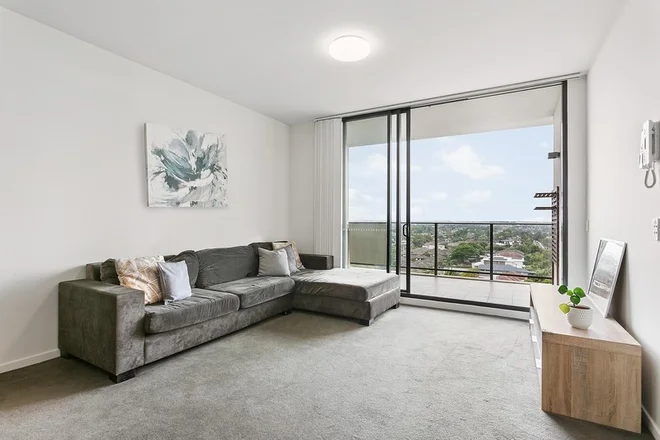
Living Room
Contemporary styling

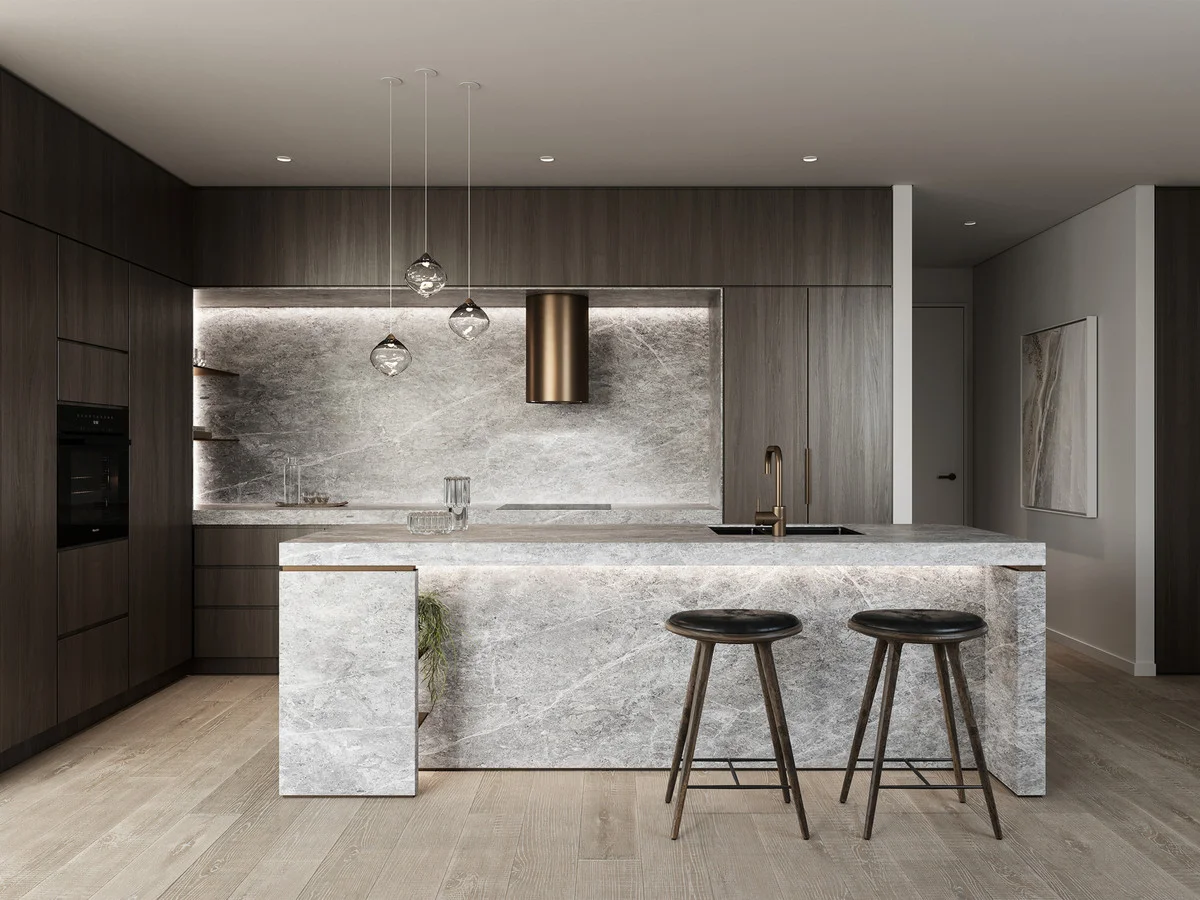
Kitchen
Modern kitchen staging
Problems & Solution
Your problem
Our solution
 Homai
HomaiReplace stylists, furniture hire & delays with one tool:
- Stage any room in under 60 seconds
- 35+ professional styles — ready to publish
- 97% cheaper than physical staging
- Batch stage an entire listing in one job
- AI marketing copy generated for listings
How it works
Four steps to a staged photo 
From empty room to buyer-ready staged image — no editing, no waiting, no extra tools needed.
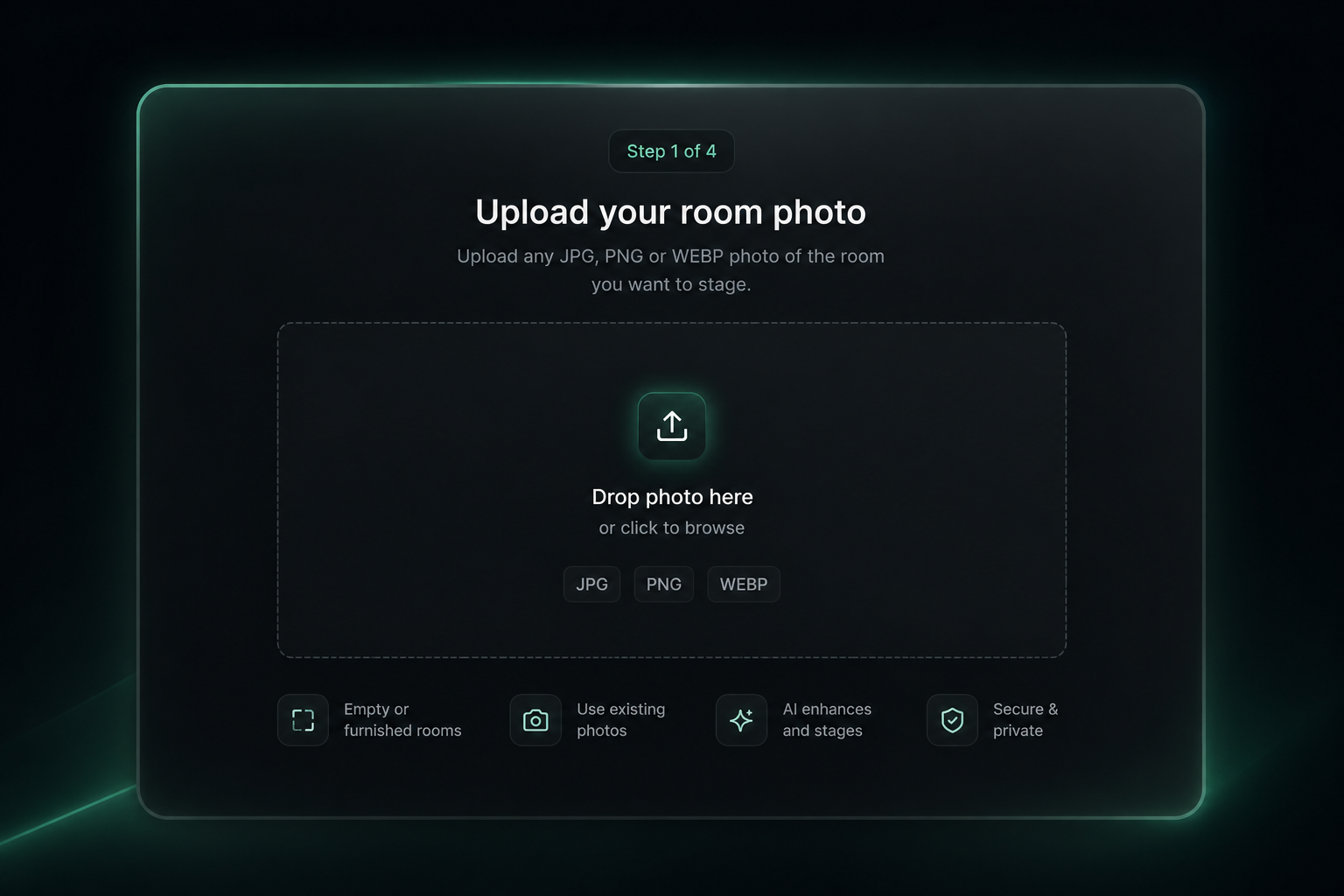
Upload your room photo
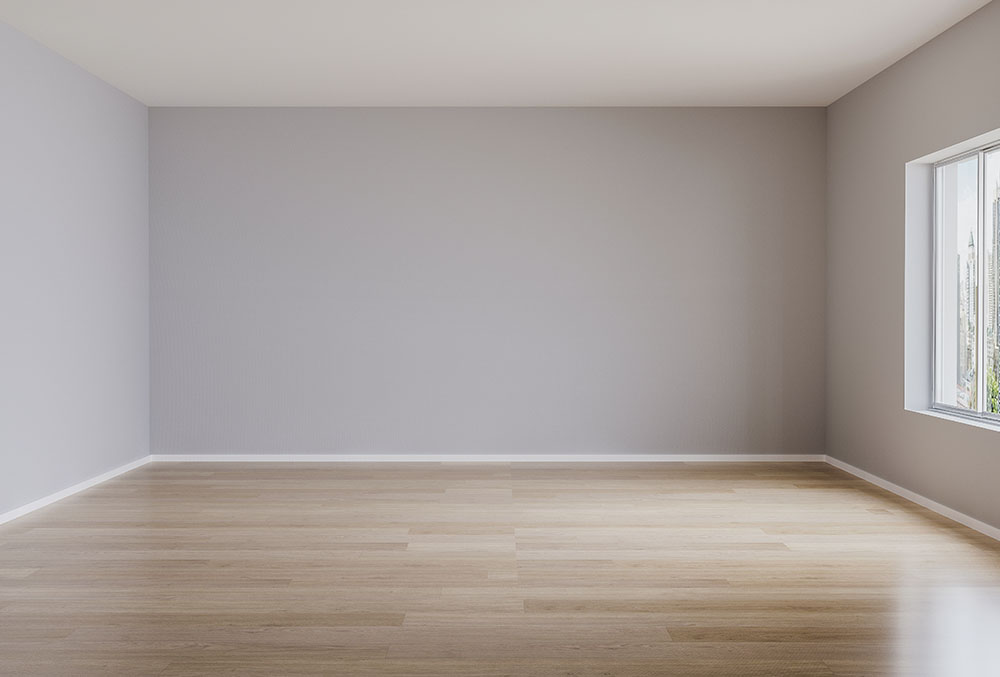
Upload any JPG, PNG or WEBP photo of the empty or furnished room you want to stage.
- Works on empty rooms, partially furnished rooms, or cluttered spaces
- No special equipment — use existing listing photography
💡 For best results: well-lit rooms at least 1024×768px, camera straight-on angle.
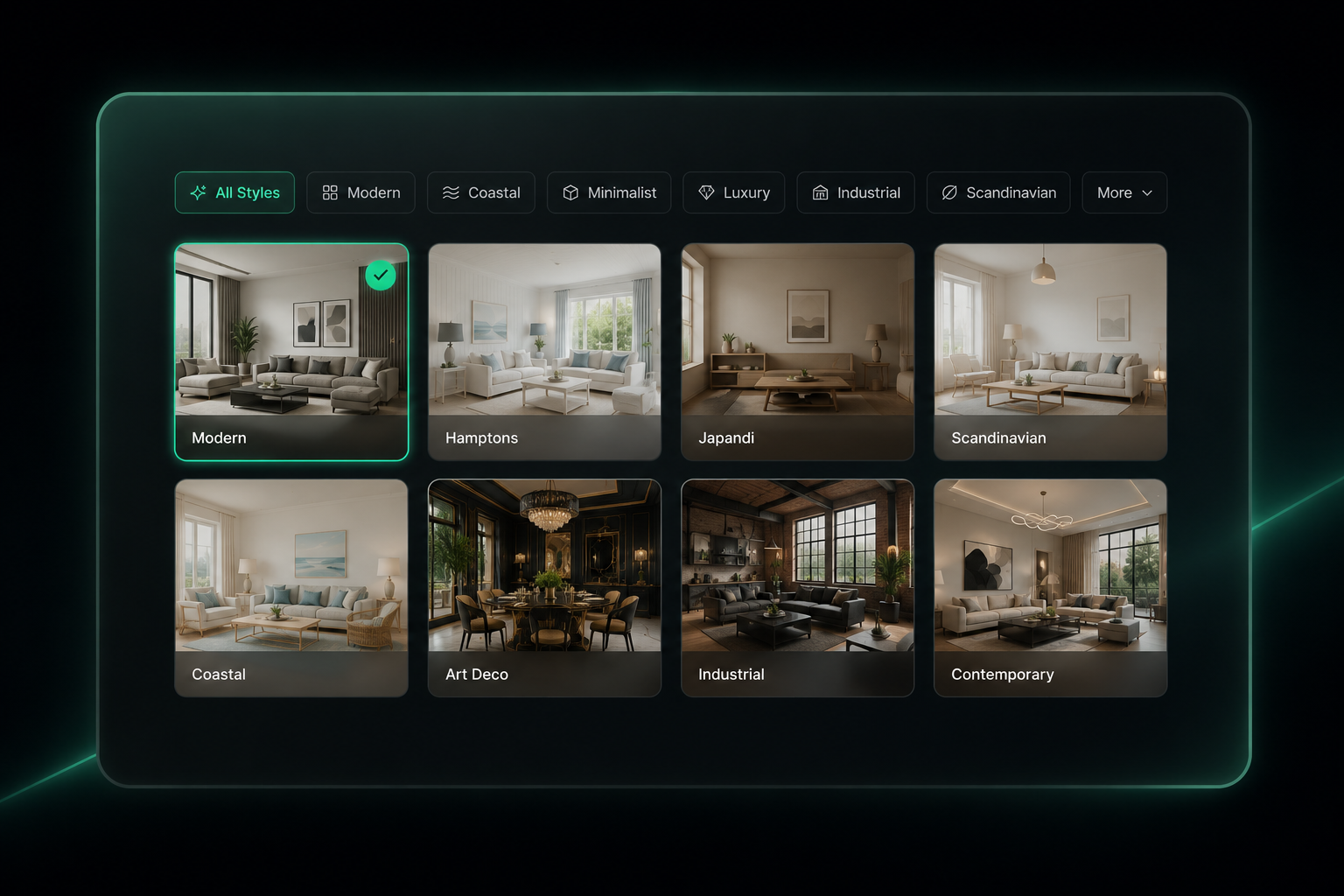
Choose your design style
Select from 37+ curated interior design presets — from Modern and Hamptons to Japandi and Art Deco.
- Match the style to your likely buyer profile for maximum impact
- Try multiple styles — each generation is a separate credit
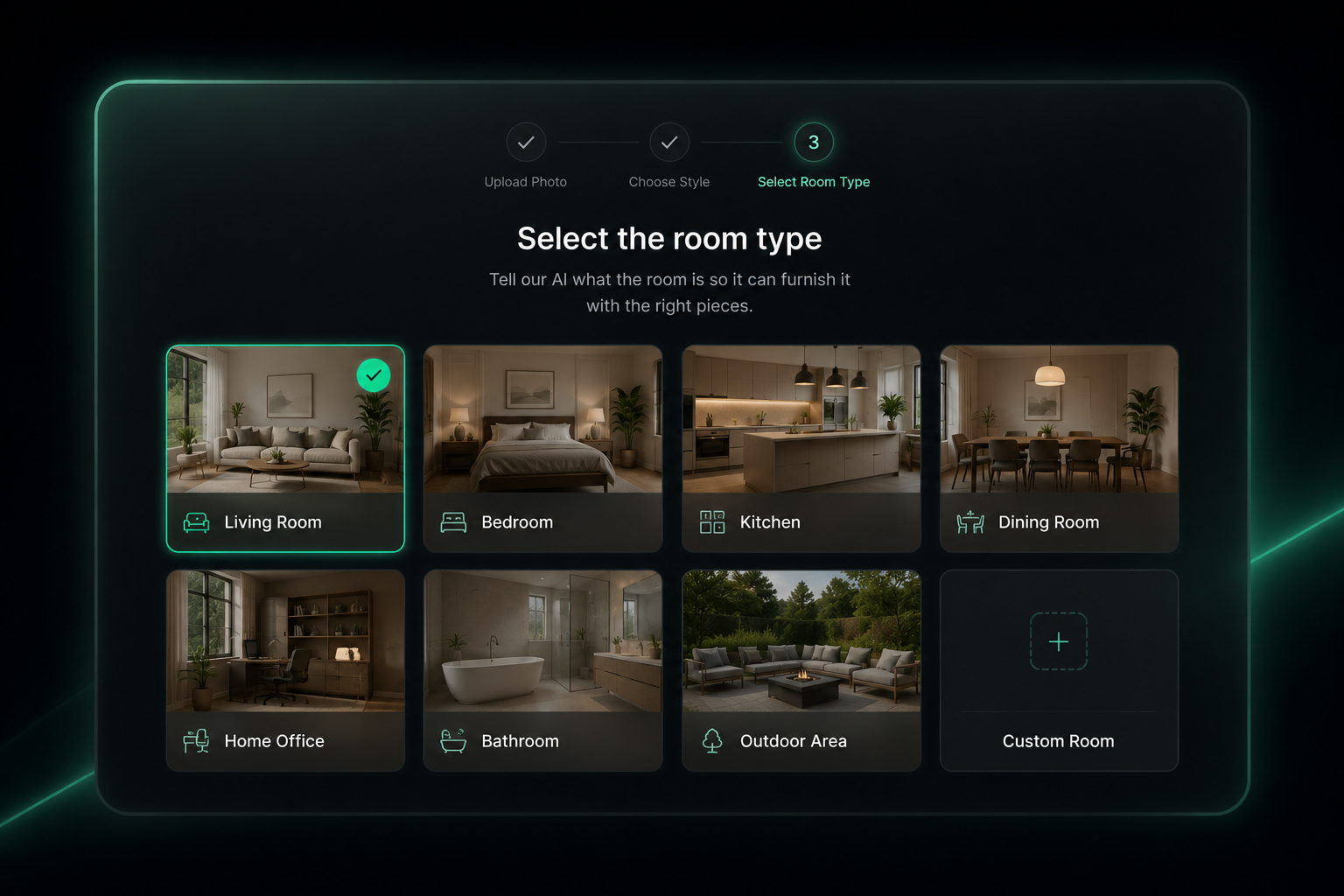
Select the room type
Tell the AI what the room is so it furnishes it with the right pieces — a living room gets sofas and coffee tables, not a bed.
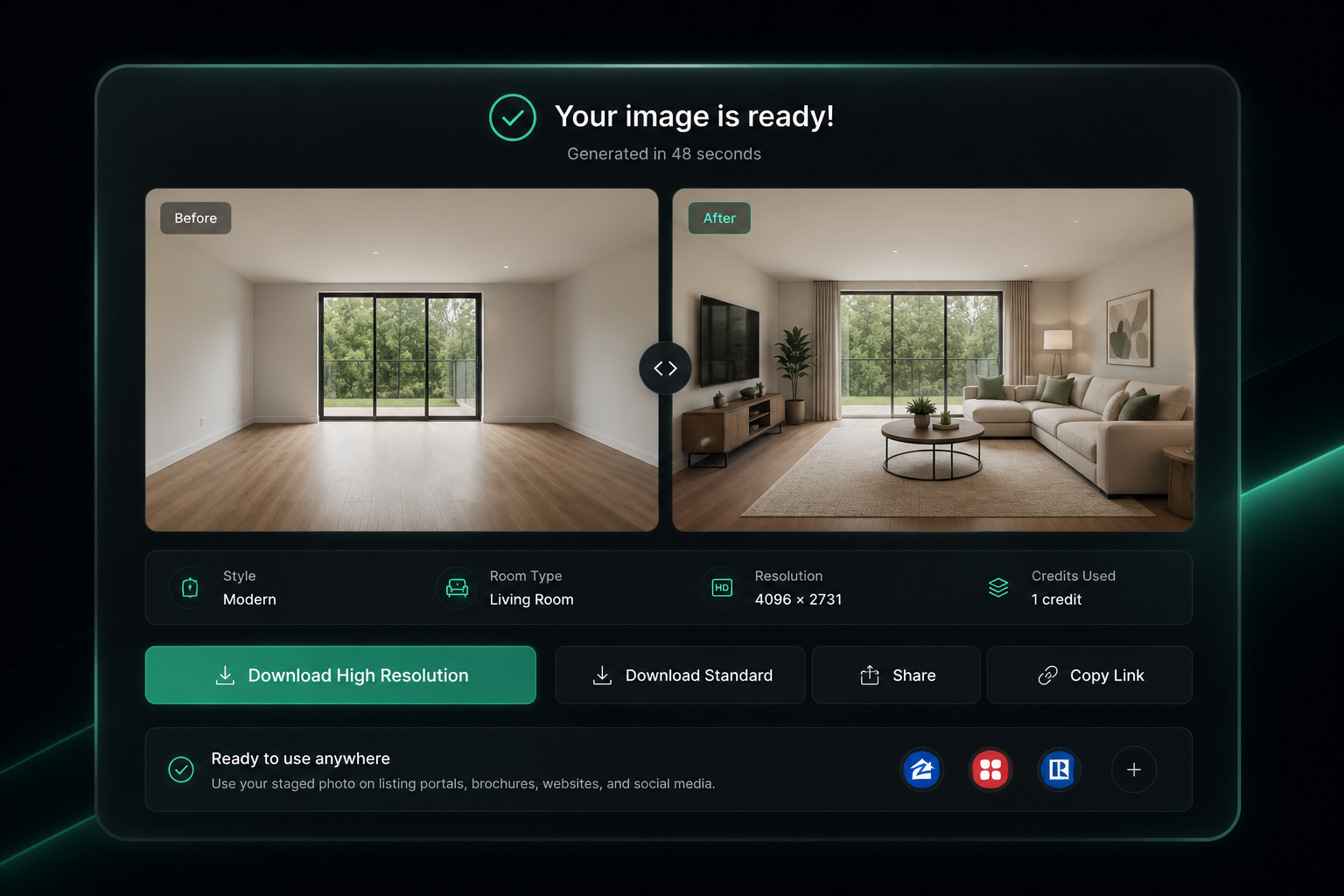
Download and publish instantly
Your virtually staged photo is ready in under 60 seconds. Download full-resolution and upload directly to portals, brochures, and social.
- High-resolution output — no editing or touch-up required
- Disclose virtual staging in your advertising per local regulations
Features
Unlock your staging potential
Everything property professionals need to produce listing-ready rooms — in seconds.
Stage any room in under 60 seconds
Upload an empty room photo and receive a listing-ready staged image in seconds. No stylists, no waiting, no editing required.
Start for free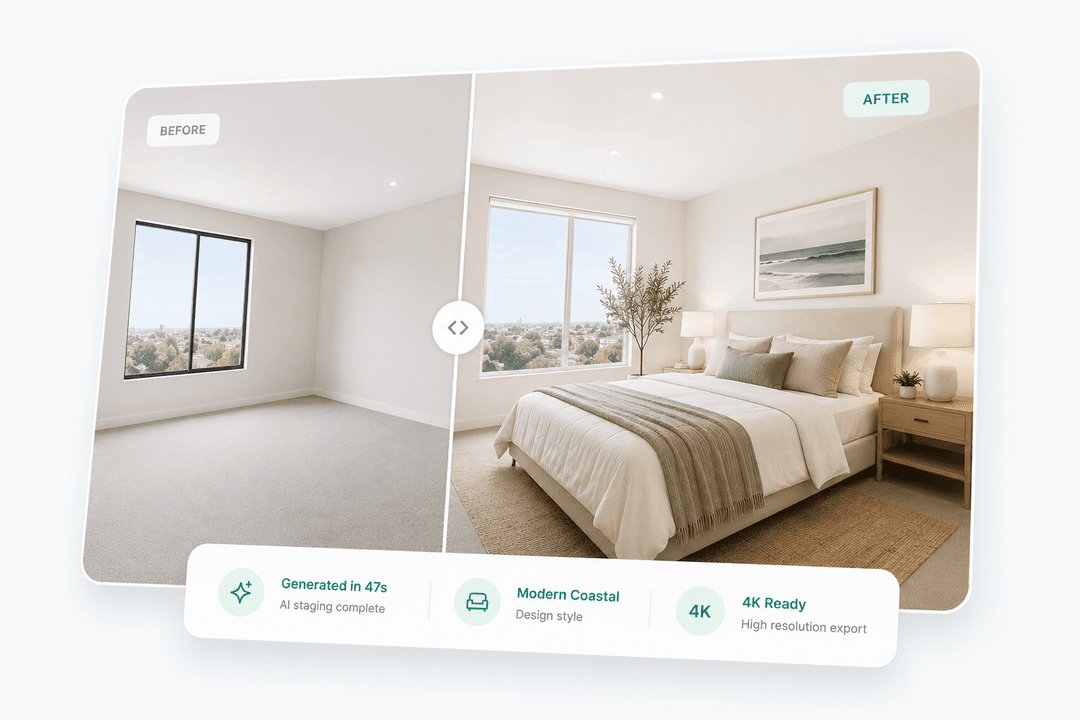
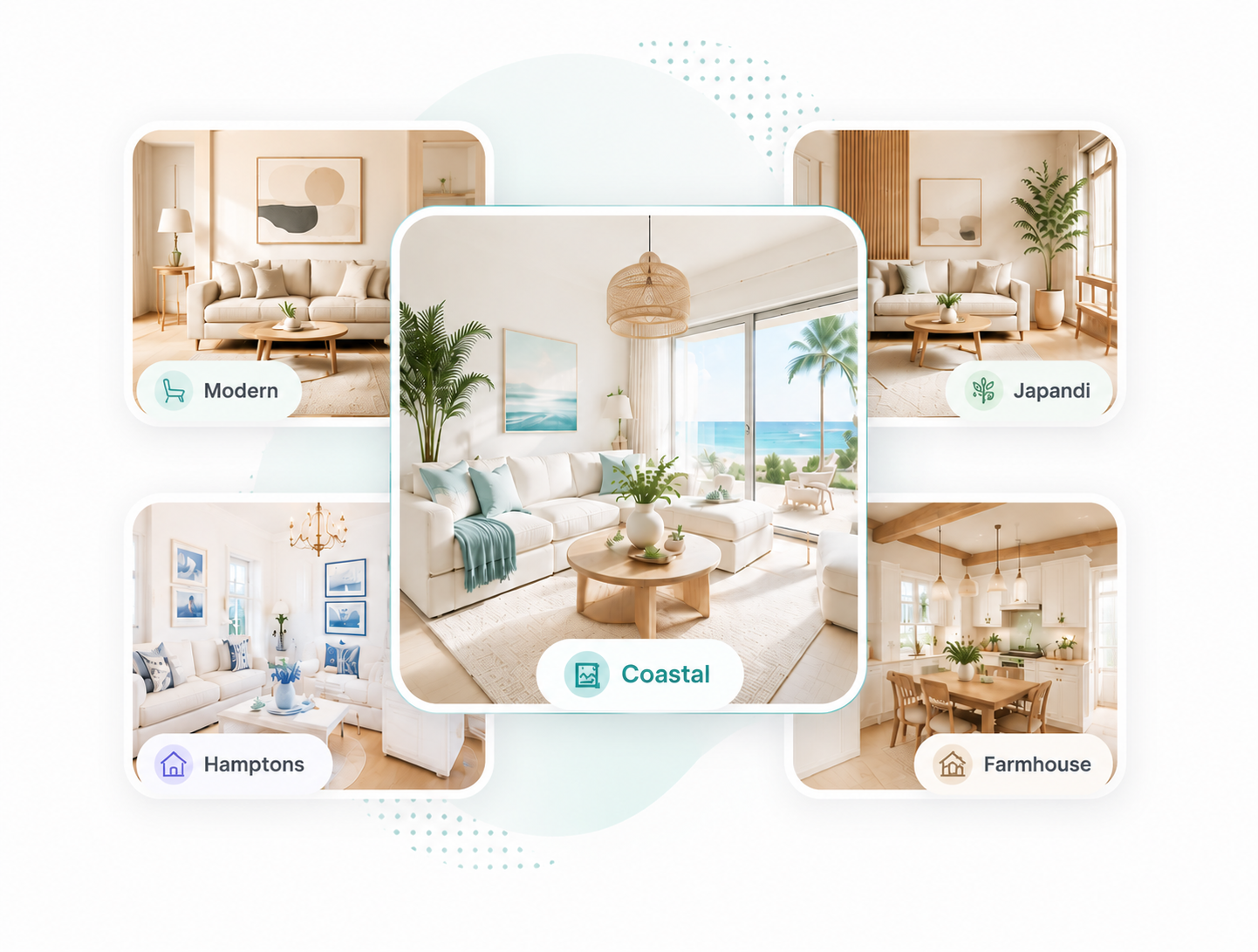
Choose from 35+ curated staging styles
Modern, Coastal, Japandi, Hamptons, Art Deco, Farmhouse and 30+ more. Every style delivers a consistent, listing-ready result matched to your target buyer.
Start for freeStage an entire listing in one job
Upload all rooms at once — Homai stages them in parallel and generates AI marketing copy including portal description, headline and social post.
Start for free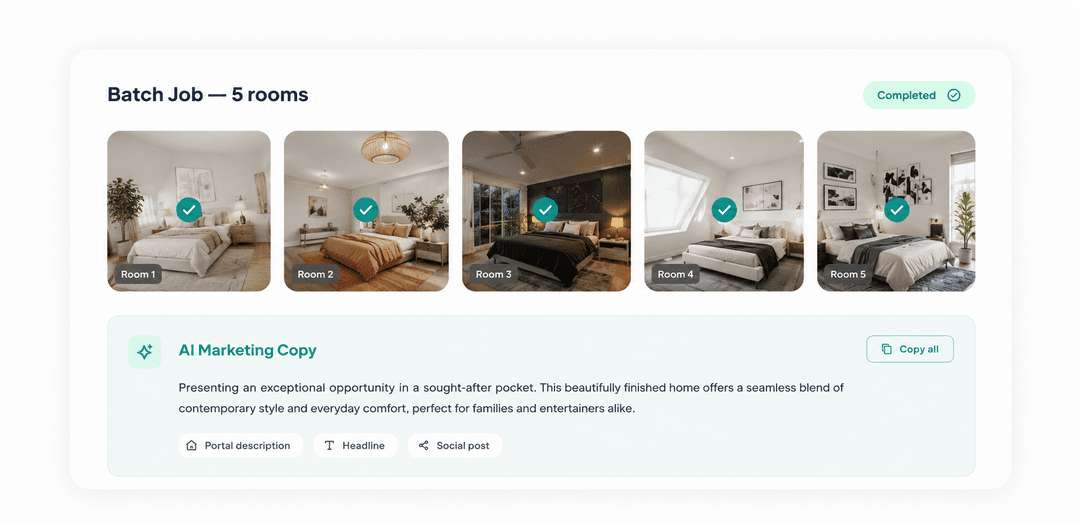
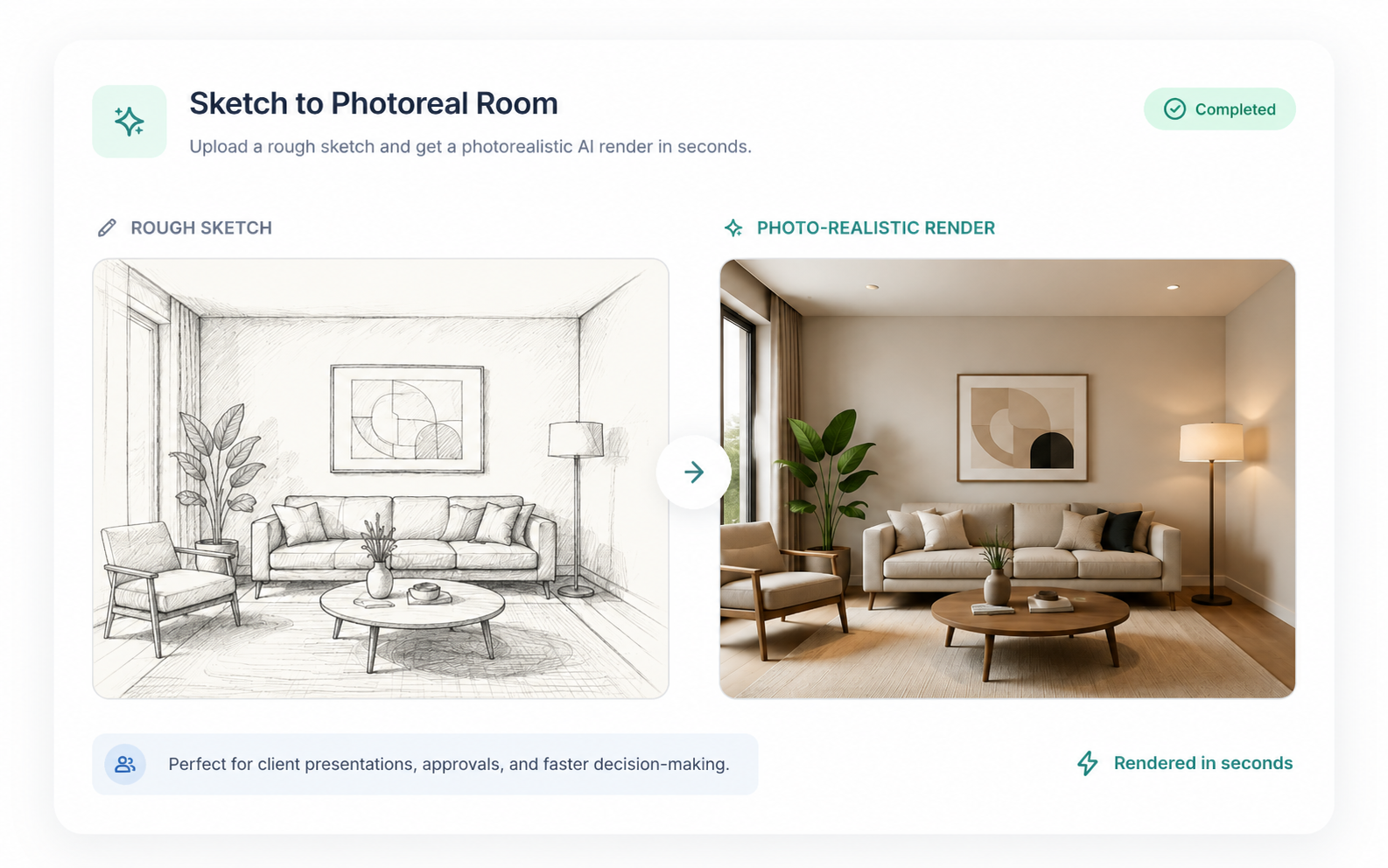
Turn a sketch into a photo-real room
Upload a rough sketch and get back a photorealistic AI image of how the room will look in real life. Share it with clients so they can picture the space, give feedback, and get excited about the vision — before anything is built.
Start for free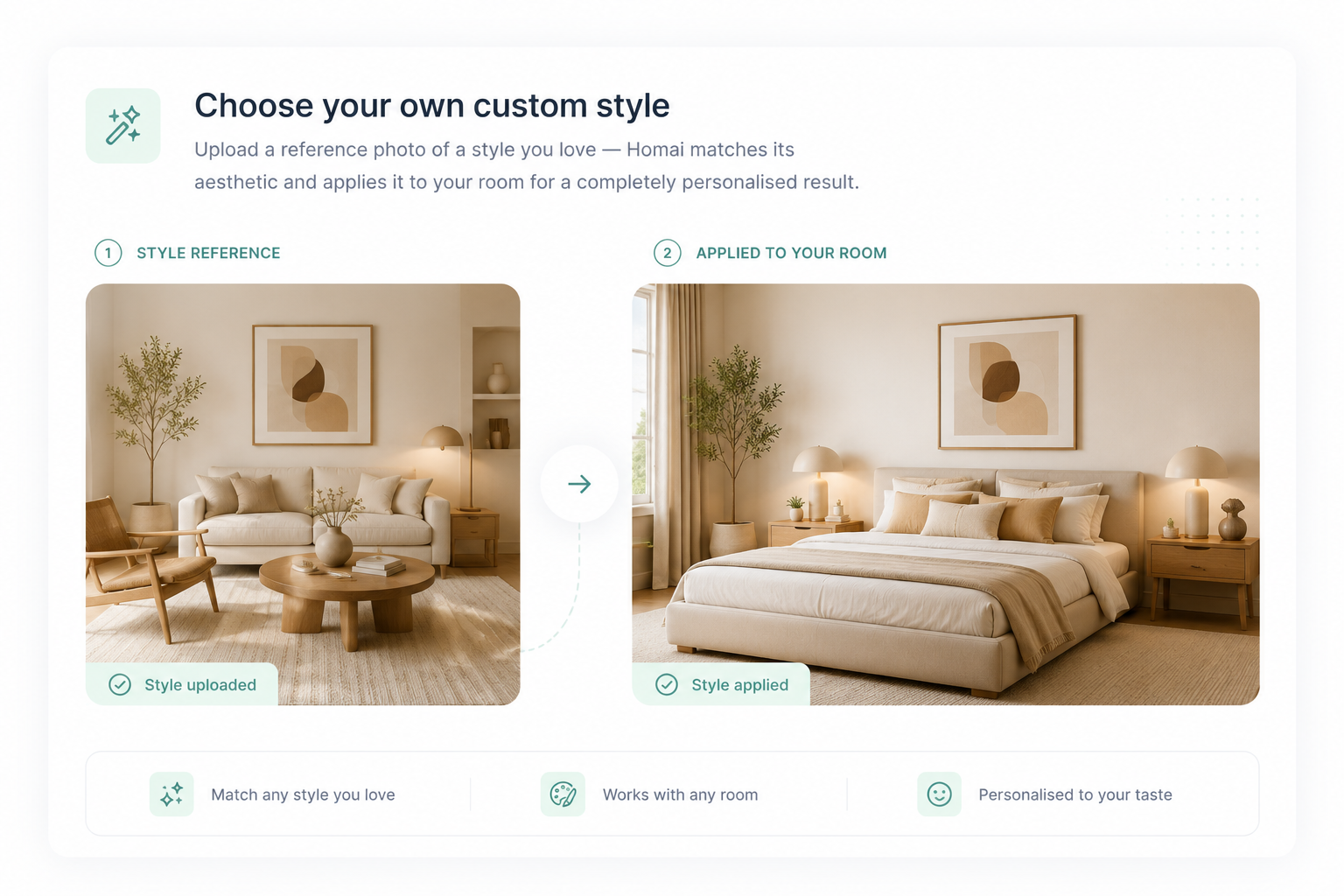
Choose your own custom style
Upload a reference photo of a style you love — Homai matches its aesthetic and applies it to your room for a completely personalised result.
Start for freeAnd so much more you need for standout staging results.
Sketch to render
Turn a hand-drawn room sketch into a fully staged, marketing-ready image — no professional photo needed.
Upscale to 4×
Export print-ready resolution for brochures, signboards and large-format displays.
Non-destructive output
Walls, floors, ceilings and windows are always preserved — only furniture is added.
Up to 4 variations
Generate multiple distinct layouts from a single upload and pick the best to publish.
Portal-ready format
Images formatted to upload directly to REA, Domain and other portals.
Different room types
Living rooms, bedrooms, kitchens, bathrooms, alfresco, home offices and more.
Why it matters
Empty rooms are
costing you listings.
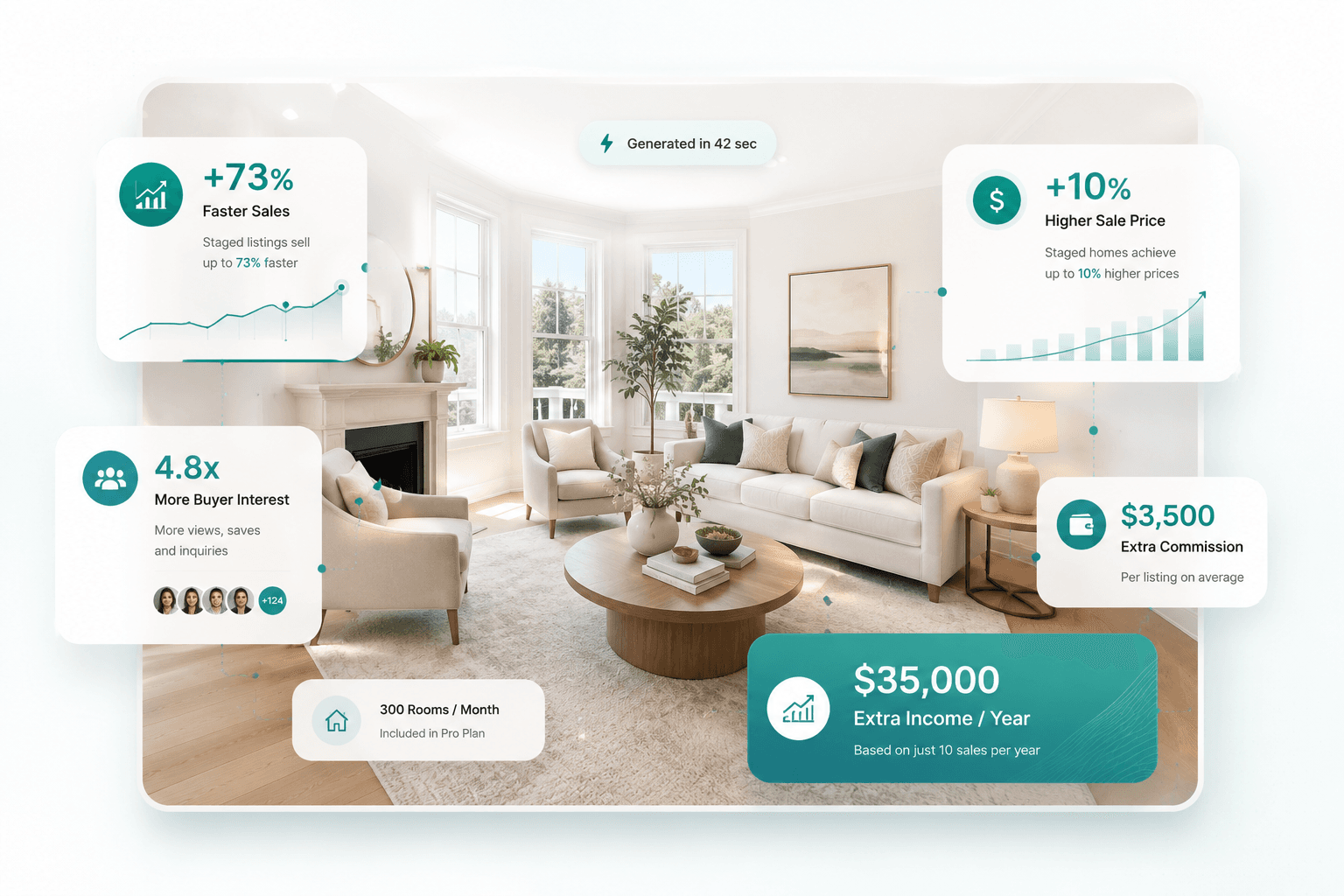
Virtually Staged Homes help buyers instantly picture themselves living in the space — and that emotional connection drives faster decisions and stronger offers. Staged listings sell up to 73% faster and achieve up to 10% higher sale prices. On a $700k listing, that's $70,000 more per sale, or $3,500 in extra commission per listing. An agent completing just 10 sales a year earns an extra $35,000 annually. Homai's Pro plan covers 300 stagings for $199/month — less than the cost of staging a single room physically.
The difference
Other tools slow you down.Homai gets you live.
Built for listing speed — not creative experiments.
What other tools get wrong?
Generic AI and human-assisted platforms weren't built for listing deadlines or agency volume.
- Alters walls, floors and permanent fixtures
- Days-long turnaround — kills your campaign speed
- $15–$50+ per image, adds up fast
- Generic styles with no listing-workflow relevance
- Manual ordering — no batch or volume support
- No built-in disclosure compliance
- Not designed for real estate agency workflows
How Homai works for your listings?
Upload a photo, pick a style, download in 45 seconds. No prompts, no waiting, no surprises.
- Structure preserved — only furniture and décor added
- Results in ~45 seconds, ready before the photographer leaves
- From ~$0.60 per image — predictable, transparent pricing
- 35+ curated styles built for residential listings
- Full batch jobs — stage an entire property in one go
- AI image disclosure embedded on every staged result
- Built for agency volume and listing production speed
Pricing
Stage every room. Win every listing.
Professional virtual staging from $49/mo. Win more listings, stand out on every portal, and skip the cost of traditional staging.
Trusted by 500+ listing agents
Starter
For agents getting started or staging occasional listings.
- 40 image generations per month
- 35+ staging styles
- Up to 2 variations per generation
- Upscale up to 4× resolution
- Batch staging up to 5 rooms + AI marketing copy
- No watermark
- Generation history
Cancel anytime
Growth
Most popularFor active agents with consistent monthly listing volume.
- 120 image generations per month
- 35+ staging styles
- Up to 4 variations per generation
- Upscale up to 4× resolution
- Batch staging up to 15 rooms + AI marketing copy
- Quality control settings
- Custom style upload match any reference photo
- Sketch to render
- No watermark
- Faster processing
- Generation history
- Team seatSoon
Cancel anytime
Pro
For agencies and top-performing teams handling high volume.
- 300 image generations per month
- 35+ staging styles
- Up to 4 variations per generation
- Upscale up to 4× resolution
- Batch staging up to 15 rooms + AI marketing copy
- Quality control settings
- Custom style upload match any reference photo
- Sketch to render
- Priority processing
- No watermark
- Priority support
- Generation history
- Team seatSoon
Cancel anytime
Need more volume? Extra image packs can be added anytime without changing your plan.
Frequently Asked
Questions
We don't offer a free trial. Every new account gets a free staging on signup — no credit card required. Use it to produce a real listing-ready result before you decide to subscribe.
Credits are the currency used to generate staged images. Each staged image uses 2 credits. Upscaling a completed image to 4K resolution costs 2 additional credits. Credits reset at the start of each monthly billing cycle. Unused credits do not roll over.
Each generation can produce 1, 2 or 4 distinct staged results from the same photo — different furniture layouts, colour palettes and arrangements. You choose the best one to publish. Each variation uses 2 credits.
Typically 30–60 seconds per room from upload to download. Batch jobs run all rooms in parallel, so a full 5-room listing usually completes in 2–3 minutes.
Living rooms, bedrooms, dining areas, open-plan living, alfresco, bathrooms and home offices. Output is designed to align with property listing portal standards — always review before publishing.
Yes. Go to Dashboard → Billing → Manage subscription. This opens the Stripe billing portal where you can cancel, update your payment method or view invoices. Your credits remain active until the end of the current billing cycle. No cancellation fees, no lock-in contracts.
All purchases are final and non-refundable. We strongly recommend using your free credit to evaluate output quality before subscribing — no card required. If a generation fails due to a technical error on our end, the credit is automatically restored to your account. We do not offer cash refunds for unused credits or subscription periods.
Yes. Real estate agents are typically required to disclose virtual or digital staging in advertising. Homai includes a disclosure reminder on every staging result — you are responsible for including the required disclosure language in your actual listings.
Homai adds furniture, soft furnishings and décor directly into your photo — the staged result looks like a professional photograph of the actual room, not a render or a mockup. The walls, windows, natural light and room proportions from your original photo are all visible in the output.
The better your photo (empty room, good lighting, straight-on angle), the more closely the staged result will match your space. Most agents find the output ready to upload to listings without any editing.
Like all AI image editing, results can occasionally vary in background tone or texture. Always review before publishing and disclose virtual staging in your listings as required by your listing portals.
Yes — staging an empty room is exactly what Homai is designed for. Upload a photo of a bare room and the AI will furnish it with furniture, soft furnishings and décor suited to the room type and your chosen style. No existing furniture needs to be present.
Yes. Homai is a web-based platform — you can log in, upload photos and download staged results from any device including your phone or tablet. For best results, upload photos taken in landscape orientation with good lighting.
JPG, PNG and WEBP files are all supported. For best results, use a photo of at least 1024×768 pixels with the room well-lit and the camera positioned straight-on. Avoid fisheye or heavily distorted angles.
Yes. Use the Batch Staging feature on the dashboard to upload multiple room photos in one job. All rooms are processed in parallel so a full listing typically completes in 2–3 minutes. Each room still uses the standard credit amount.
Let's try!